01
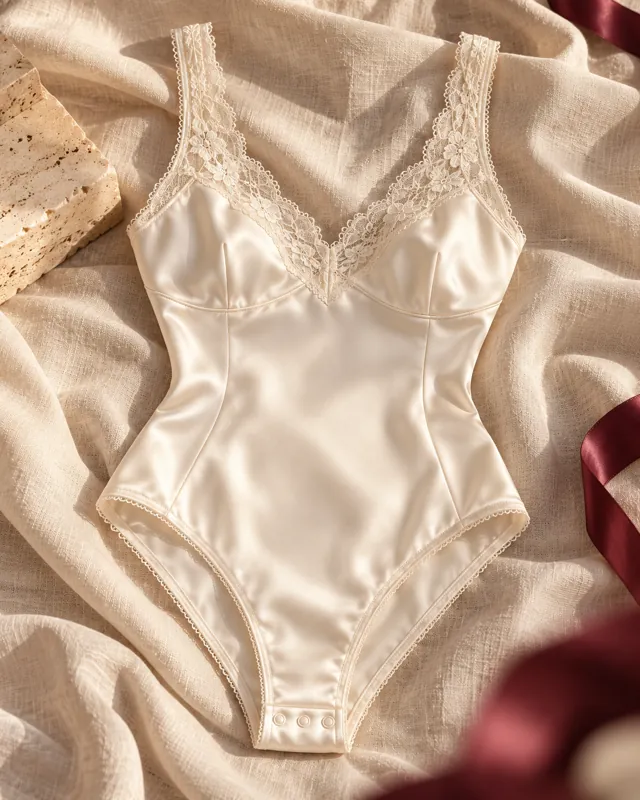
Lace-trimmed
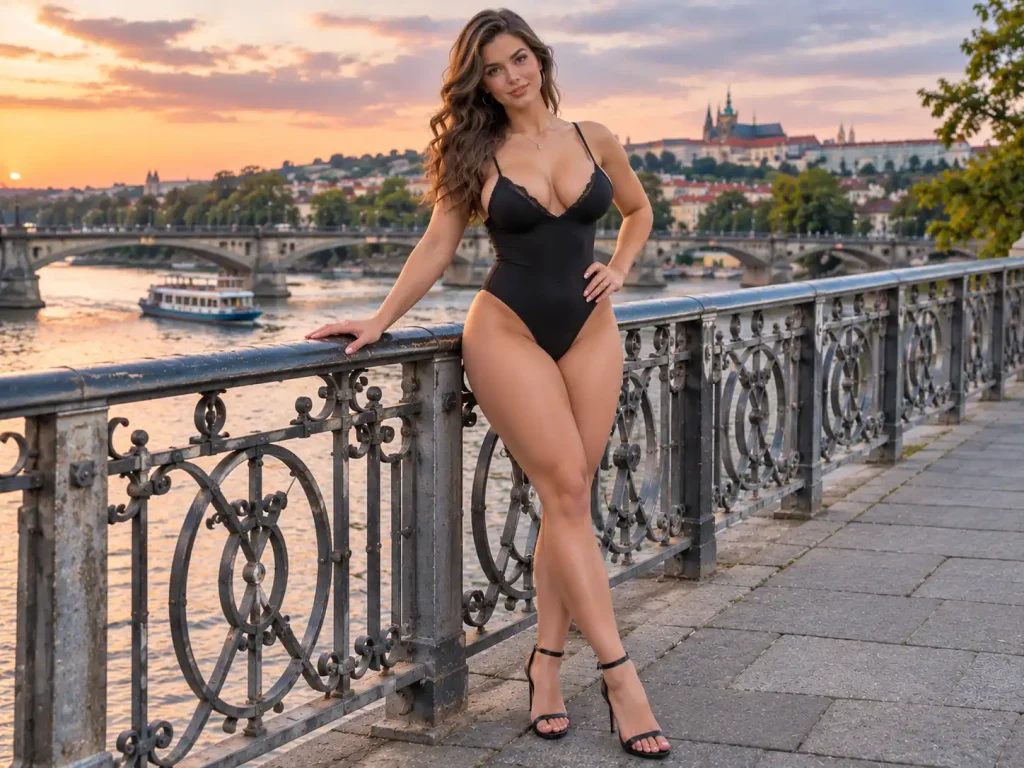
A soft neckline and fine trim can give a one-piece garment a delicate finish. Describe the lining and coverage you want, as well as the lace detail.
AVACLIK / THE BODYSUIT EDIT · 18+
One piece. A new direction for your look. Try a bodysuit on your own photo: define the neckline, sleeves, fabric and color, or use a garment reference. AvaClik is a photo editor for adults 18+, including adult looks within the service and model rules.
Try a bodysuit ↗AI clothes changer ↗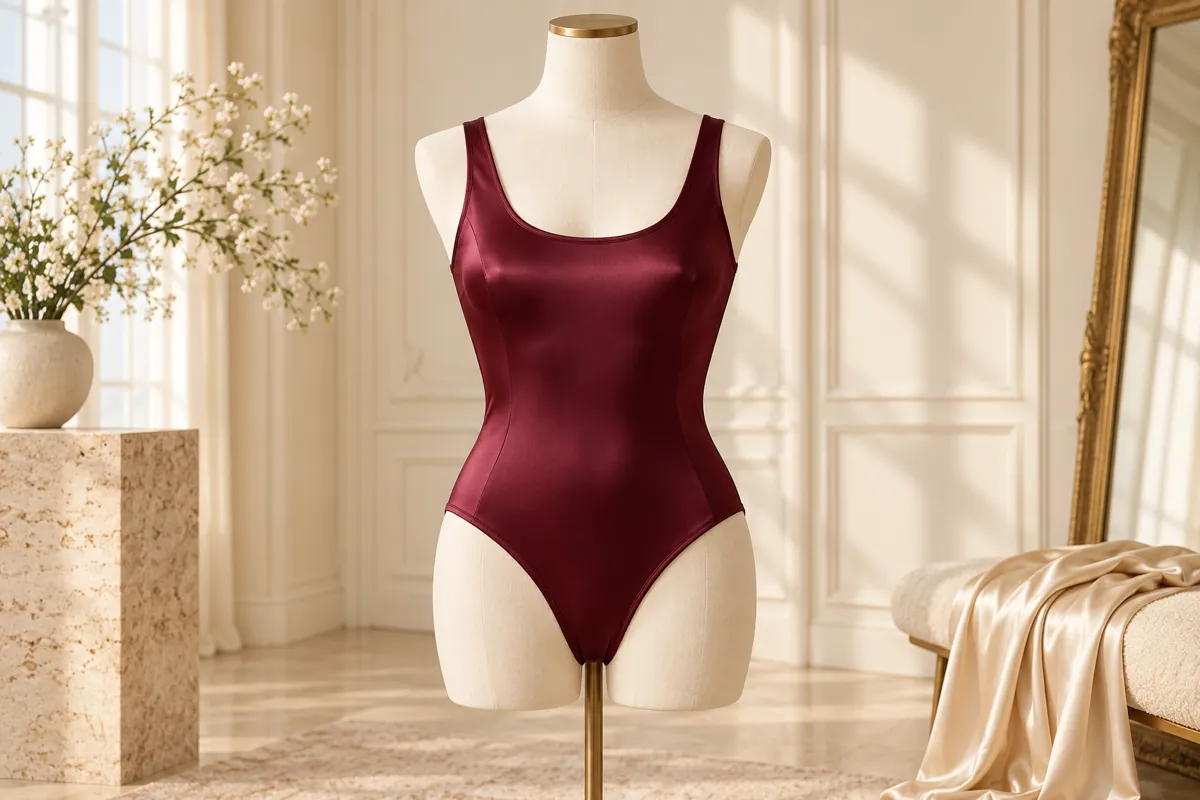
AVACLIK / THREE STARTING POINTS
Focus on a single garment rather than a coordinated underwear set. These catalog illustrations suggest materials and cuts; they are not editing results.
A soft neckline and fine trim can give a one-piece garment a delicate finish. Describe the lining and coverage you want, as well as the lace detail.
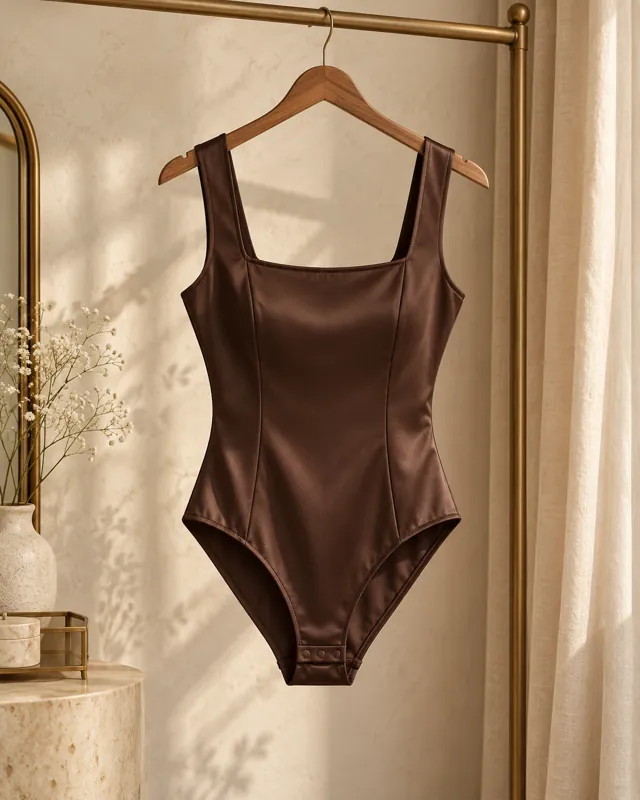
Explore a square neckline, wider straps and a smooth sheen. Name the shade and neckline together so the request defines a coherent garment.
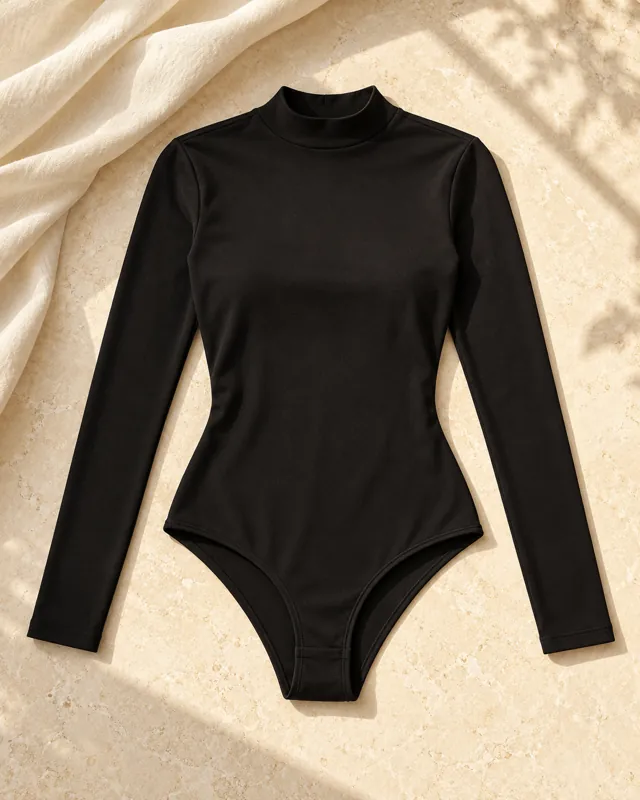
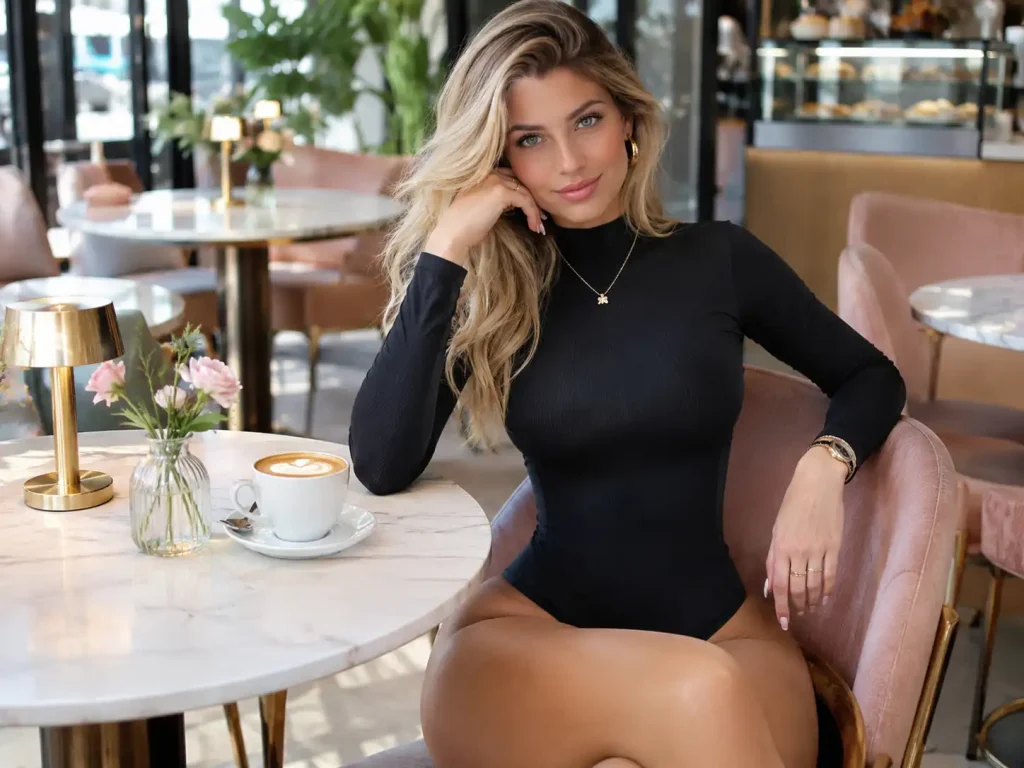
A high neckline and long sleeves create a different outline. Specify sleeve length, fabric weight and whether other clothing should remain.
Garment illustration, not an editing result
AVACLIK / YOUR REAL EXAMPLES
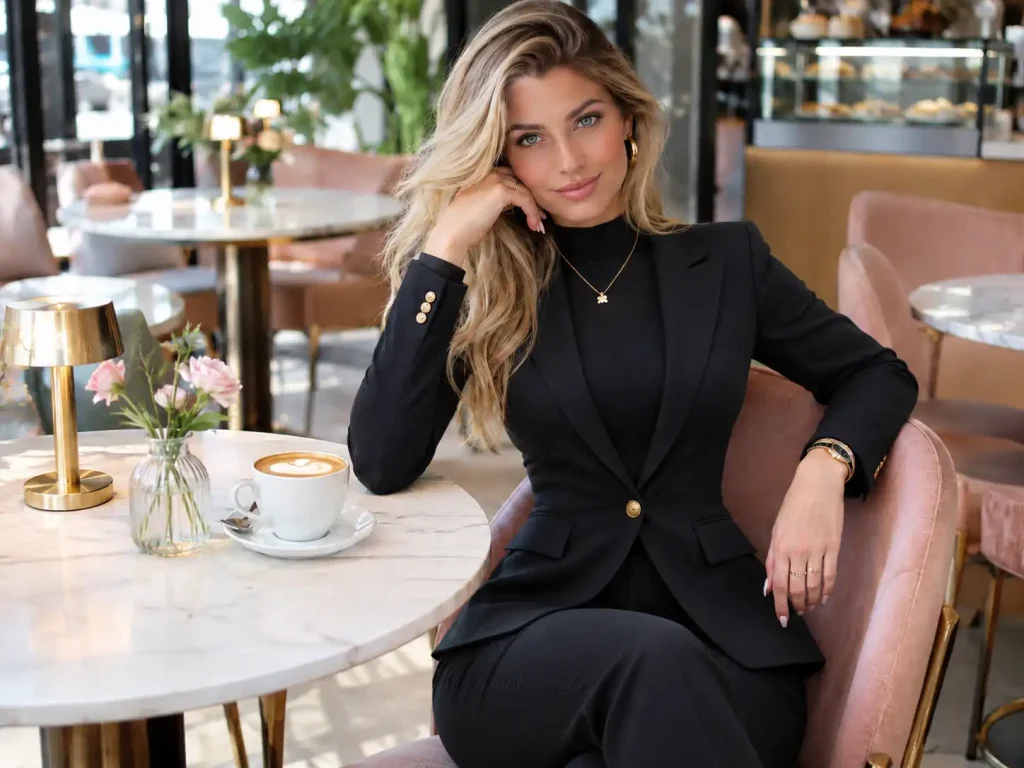
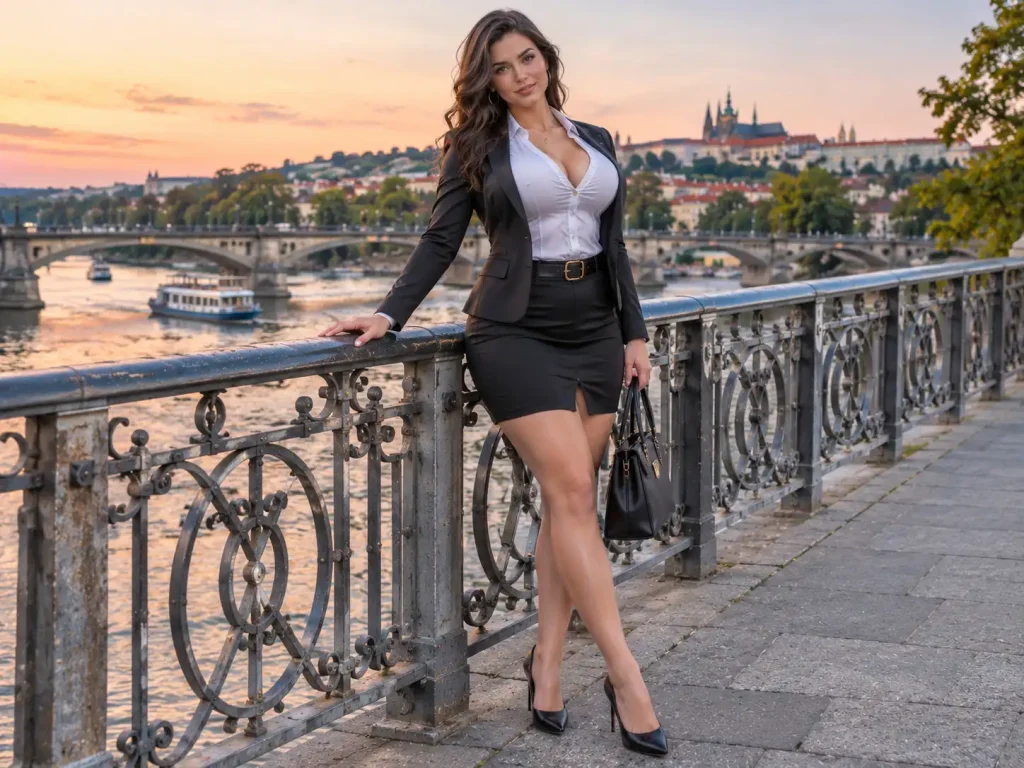
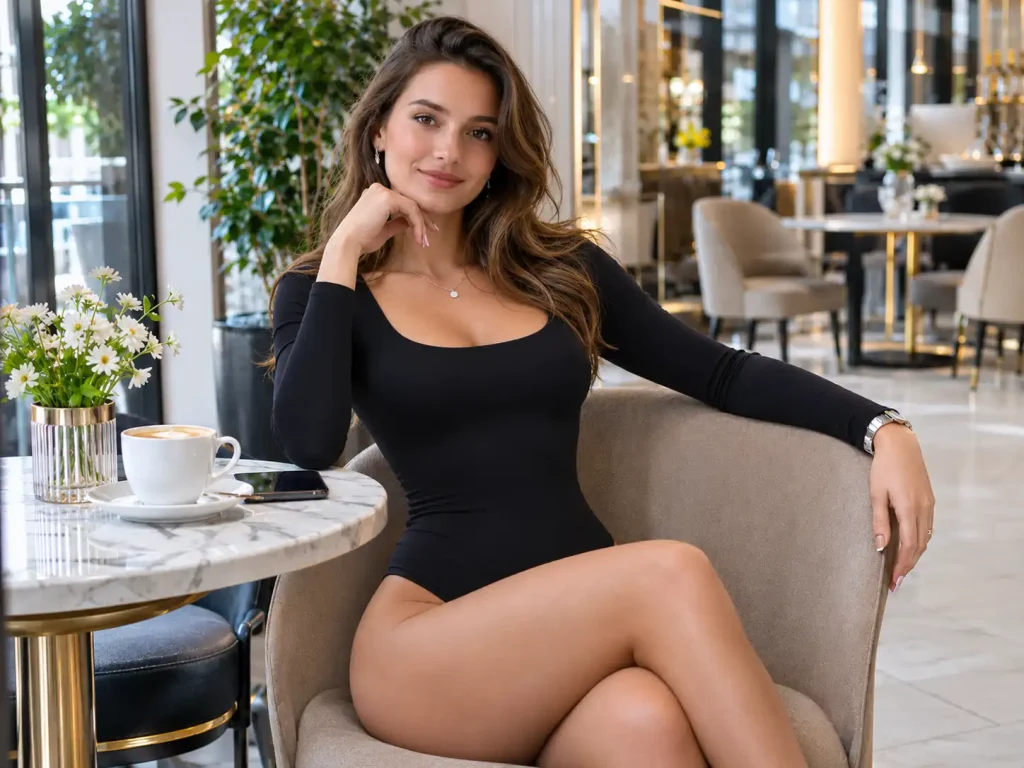
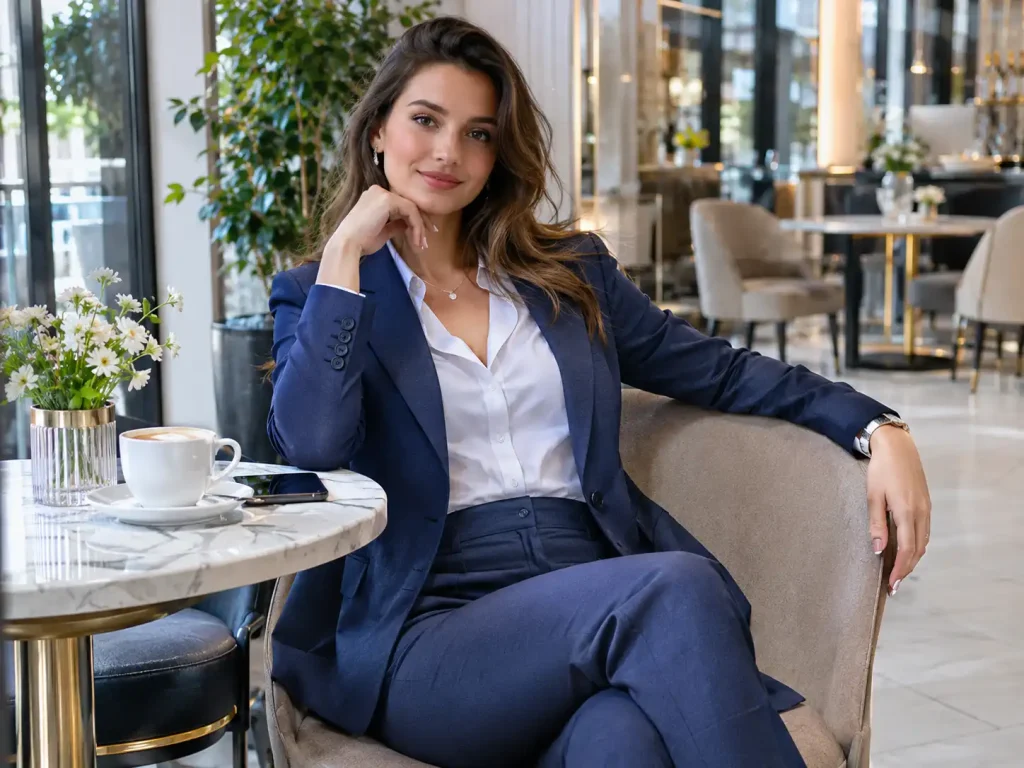
Compare the neckline, sleeve edges and fabric with the source photo. Real editing pairs added to this page appear below.
AVACLIK / FROM PHOTO TO LOOK
Use the Outfit tool in the existing AvaClik editor.
Upload a clear photograph of yourself or a consenting adult. A view that includes the torso helps describe the garment; a full-length view also shows the rest of the outfit.
Open Outfit. Choose a suitable preset, write a bodysuit description or add a garment reference. Select the color and check the token cost shown for that action.
Run the edit, inspect the neckline, seams and hands, then download the image. Return to the original if you want to compare another cut.
AVACLIK / THE DETAILS MATTER
You can guide the look with these garment details. The available controls depend on the selected Outfit action.
Specify a scoop, square or high neckline, strap width and sleeve length. Describe which surrounding clothes you want to keep.
Satin, jersey and lace trim suggest different surface finishes. Select a color or name the shade in your description; small texture details may still vary.
Use Outfit from photo for an item you already have in mind. Choose a clear image showing the whole garment. It guides the edit without guaranteeing an exact product replica.
AVACLIK / ONE PIECE, MANY COMBINATIONS
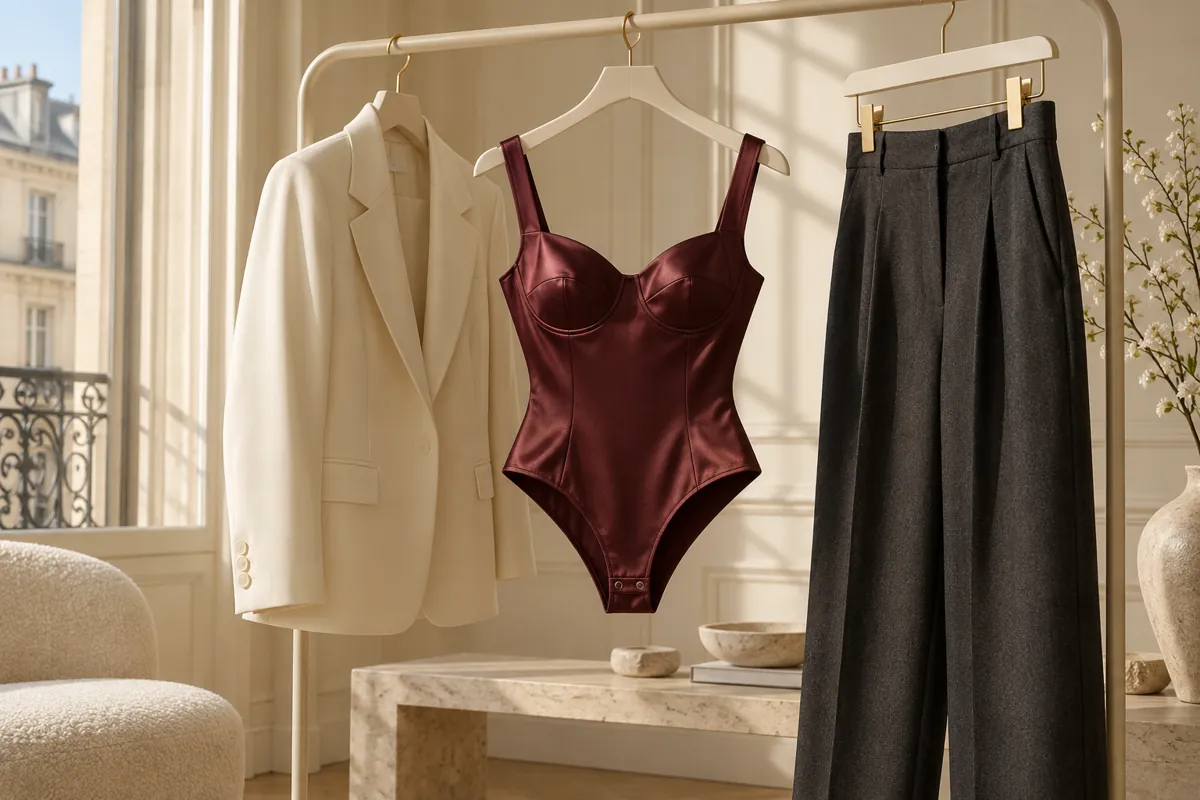
This collection is about a connected one-piece garment: the shape of its neckline, sleeve length and the way it combines with trousers, a skirt or a jacket. The lingerie page covers coordinated underwear sets, while the bikini page focuses on swimwear.
For a styled photograph, say which pieces should stay: for example, a square-neck satin bodysuit with the existing trousers and blazer. This is a creative visualization, not a measurement tool or a prediction of how the garment will fit.
AvaClik supports adult 18+ looks with the pictured adult’s consent. Service and model restrictions apply; no request is guaranteed to be accepted.
AVACLIK / PREPARE THE SHOT
A focused description and a readable source photograph make it easier to judge the edit.
Avoid a tight face-only crop. Hair, crossed arms and large accessories can obscure the neckline and sleeves; choose a photo where those areas are visible.
For example: “An opaque burgundy satin bodysuit, square neckline, wide straps; keep the trousers, pose and background.” Change one or two details at a time to compare options.
Review shoulder straps, cuffs, waistline and the join with other clothes. AI can alter body proportions or small details even when asked to preserve them.
AVACLIK / TOKENS
Bodysuit try-on uses the existing Outfit tool. The editor shows the token cost for the selected action before you start.
Prices depend on the selected action. Check the token amount in the editor before processing. The result is a creative image, not a fit or size assessment.
Plans and tokens ↗AVACLIK / QUESTIONS, ANSWERED
Upload your photo, open Outfit and choose a relevant preset, write a description or add a garment reference. Check the color and cost, then run the edit.
No. A bodysuit is a one-piece garment. This page concerns clothing; the Body tool is a separate feature for changing the depicted silhouette.
Here the focus is a single connected garment, its neckline, sleeves and outfit combinations. The lingerie collection covers underwear sets and coordinated pieces.
Yes, through Outfit from photo. Show the complete item clearly. The AI may change seams, trim or other details rather than copy the product exactly.
Yes. AvaClik is intended for adults and supports adult looks with the pictured adult’s consent, within service and model rules. It does not guarantee acceptance of every request.
Describe the pieces you want to preserve and ask to change only the bodysuit. Review the result: the AI may still modify neighboring fabric, hands or pose.
No. Virtual try-on produces a new image, not body measurements. Check the real garment’s size chart and measurements before buying.
Yes, the editor runs in a mobile browser. The token cost of the selected action appears before you start.