01
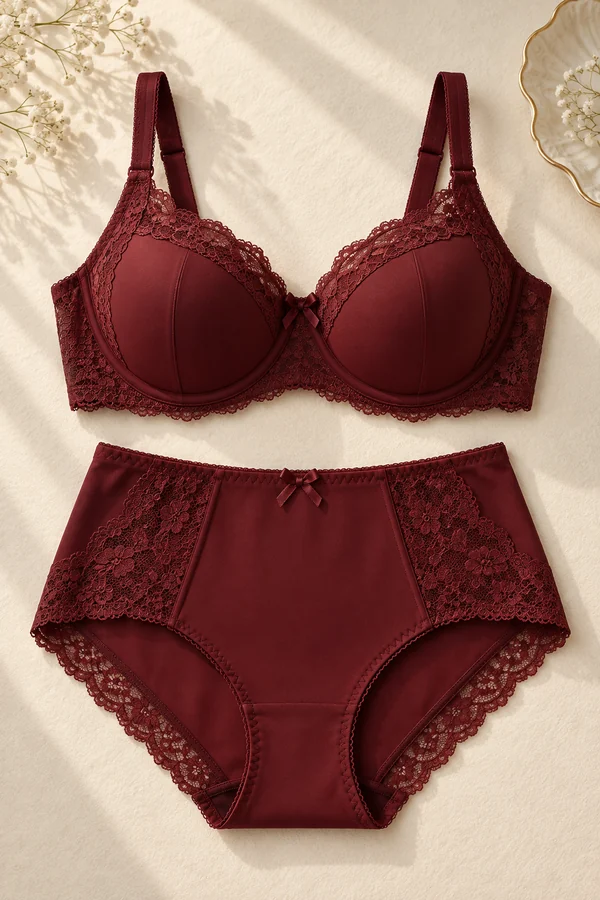
Lace-trimmed set
Describe the top shape, rise and lace detailing. A shared shade and consistent fabric finish help define a coordinated two-piece look.
AVACLIK / LINGERIE STUDIO · 18+
Explore a different lingerie set on your own photo. Start with a preset, choose a color or add a garment reference to guide the edit. AvaClik is an adult photo editor for people aged 18+: adult looks are supported within the service and model rules, with the pictured person’s consent.
Try on lingerie ↗Explore the clothes changer ↗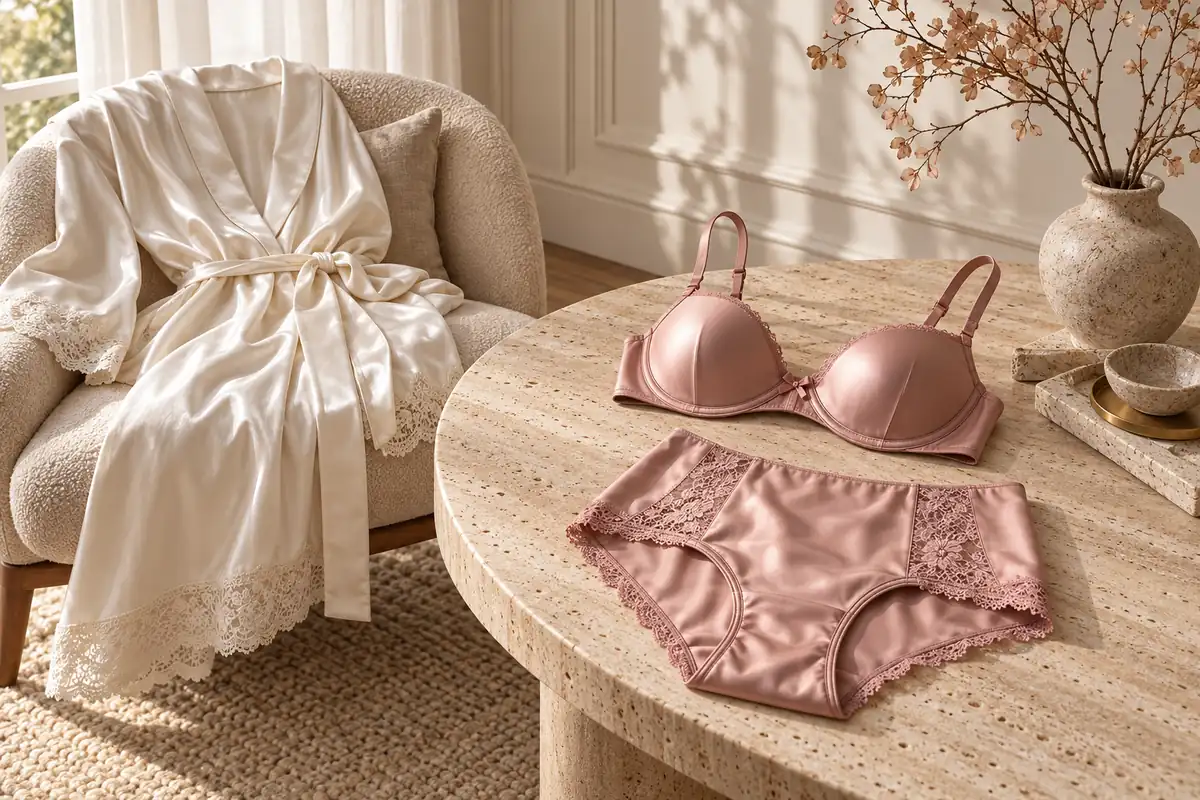
AVACLIK / THE EDIT
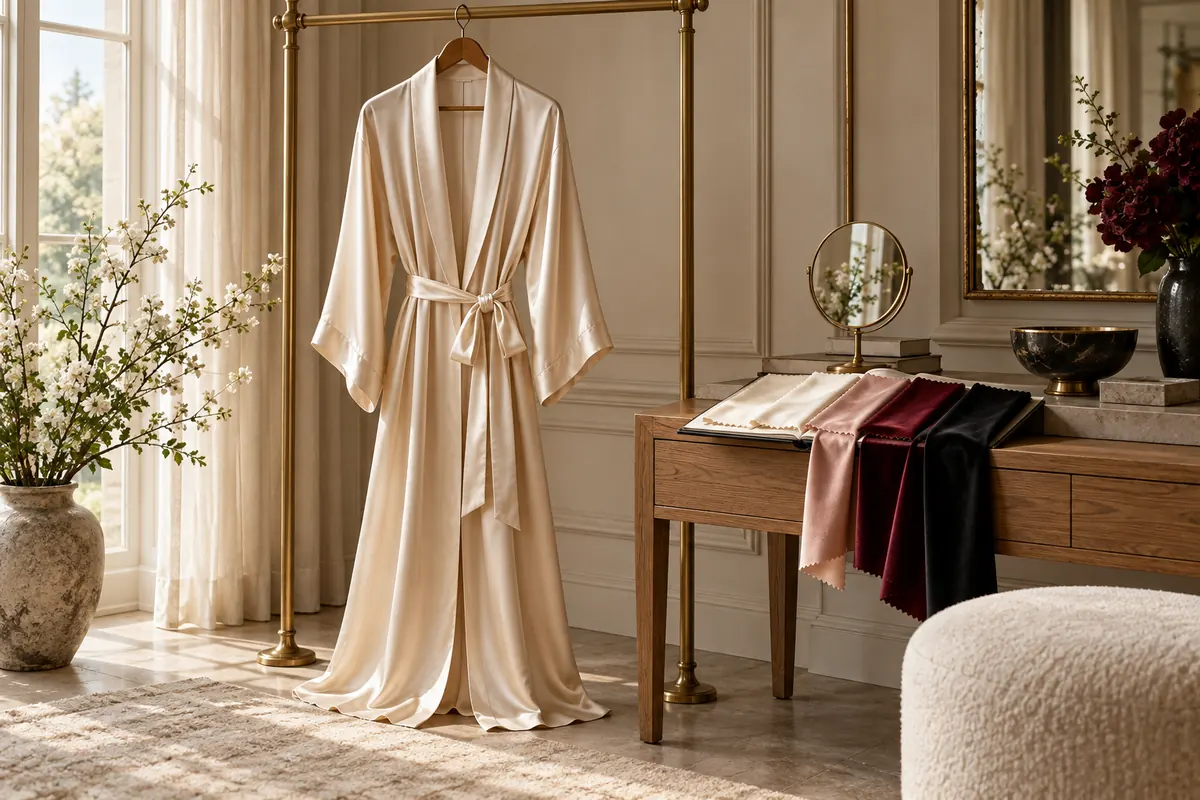
A coordinated set, a satin outfit or a bodysuit: choose the silhouette first, then refine the fabric and shade. These garment illustrations are not try-on results.
Describe the top shape, rise and lace detailing. A shared shade and consistent fabric finish help define a coordinated two-piece look.
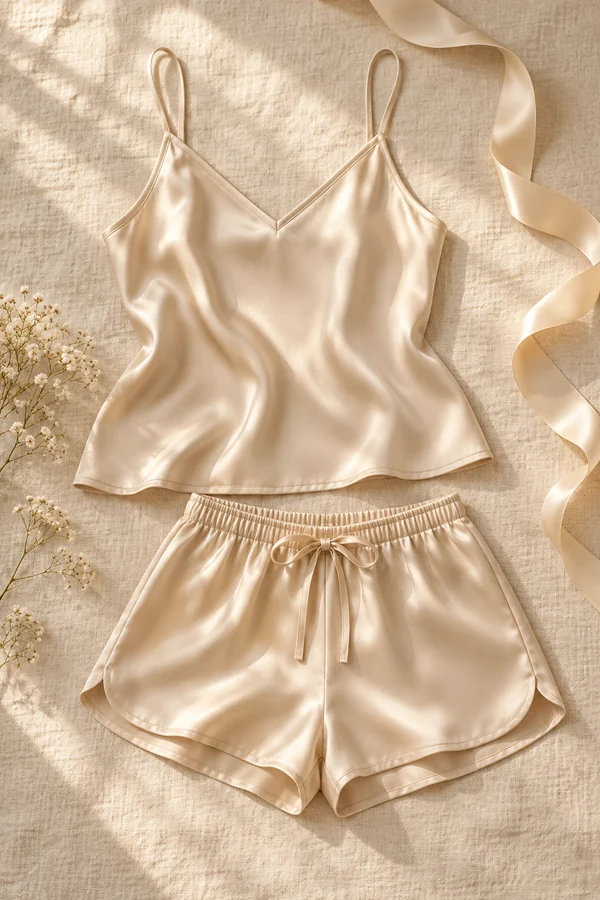
A camisole with shorts or a slip creates a softer at-home direction. Specify the length, sheen and details you want the edit to retain.
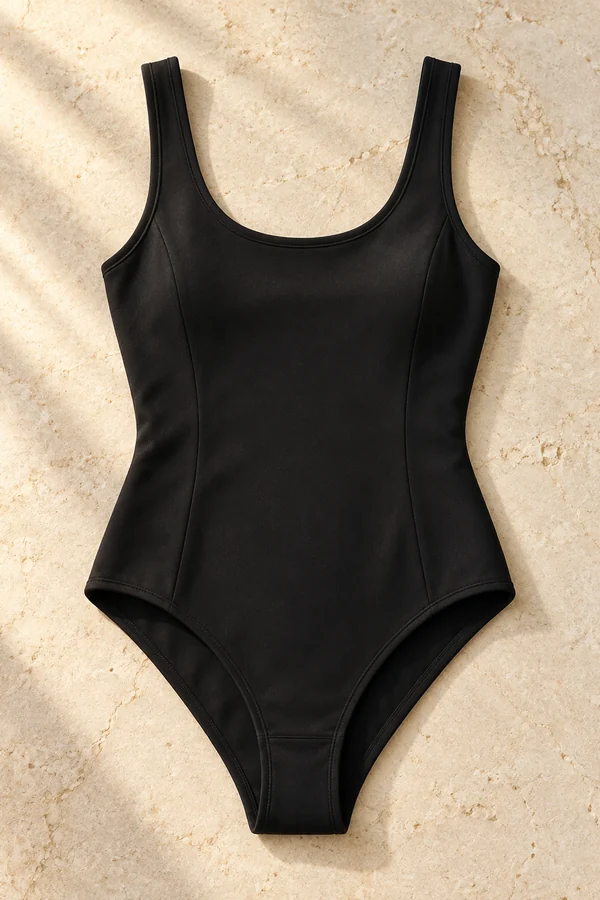
Explore a one-piece silhouette with your preferred neckline. Strap width, fabric opacity and color make the request more precise.
Illustration, not an editing result
AVACLIK / ACTUAL EDITS
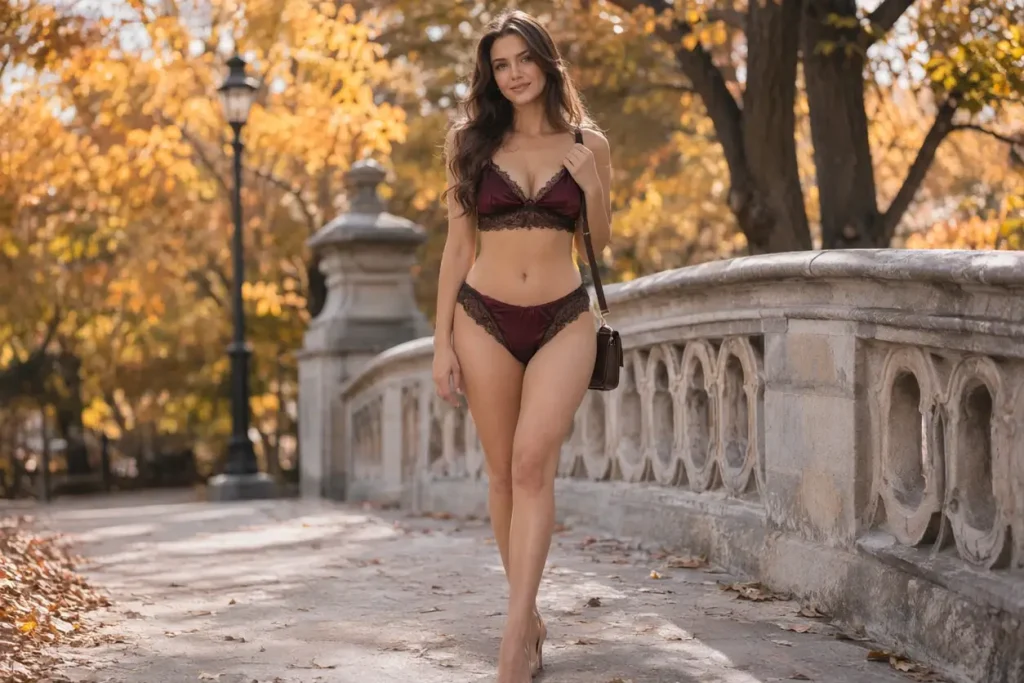
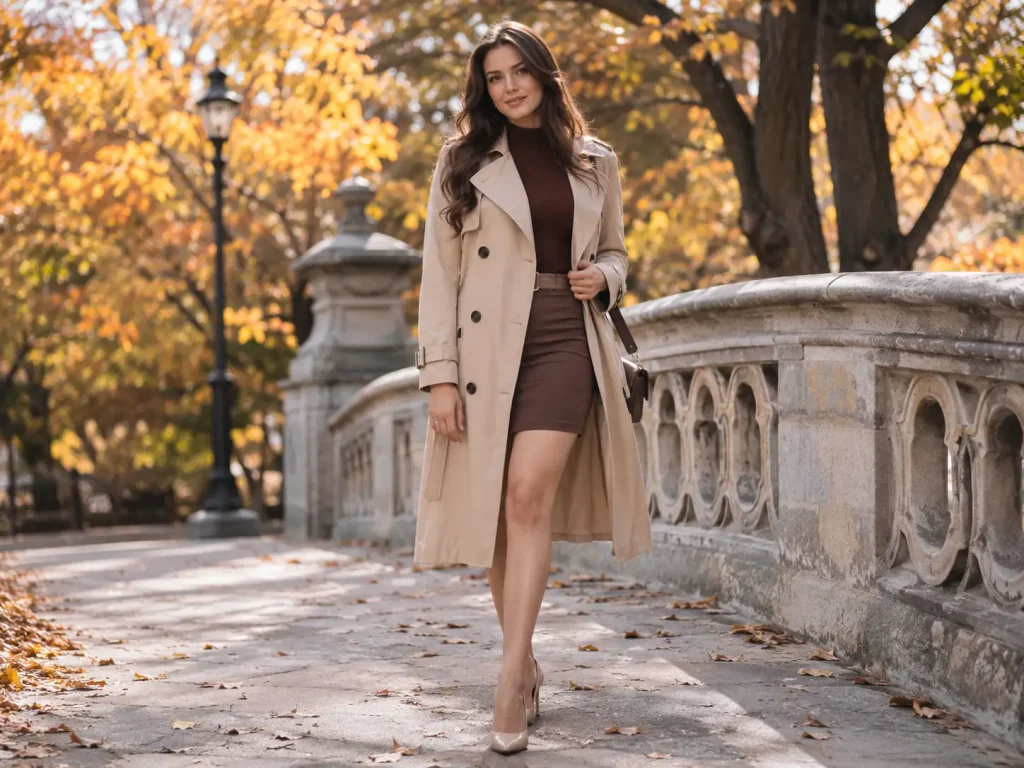
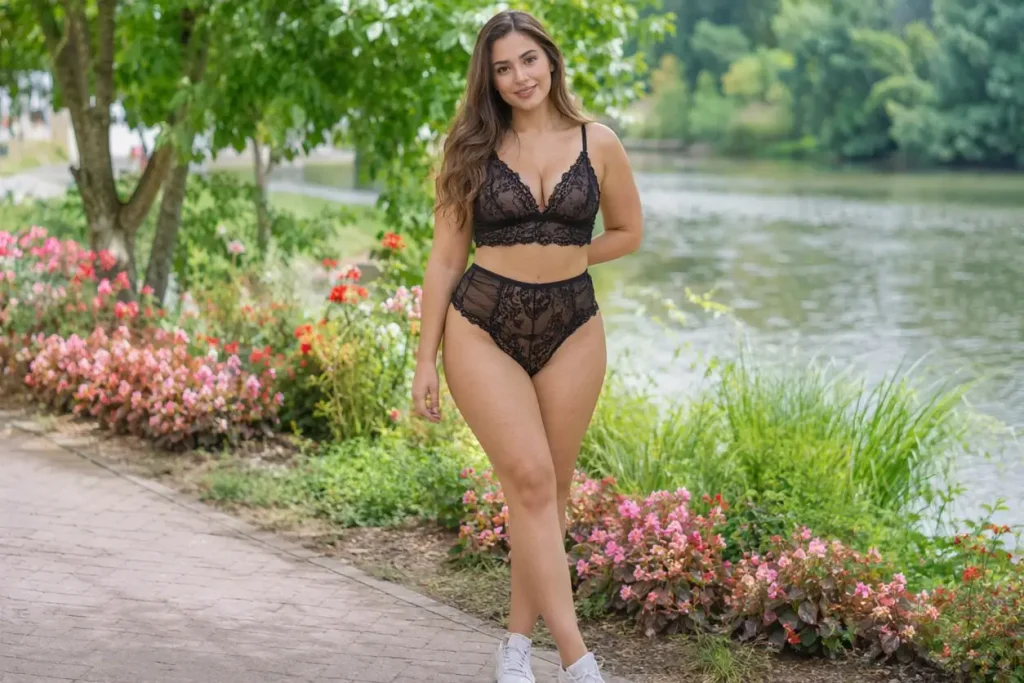
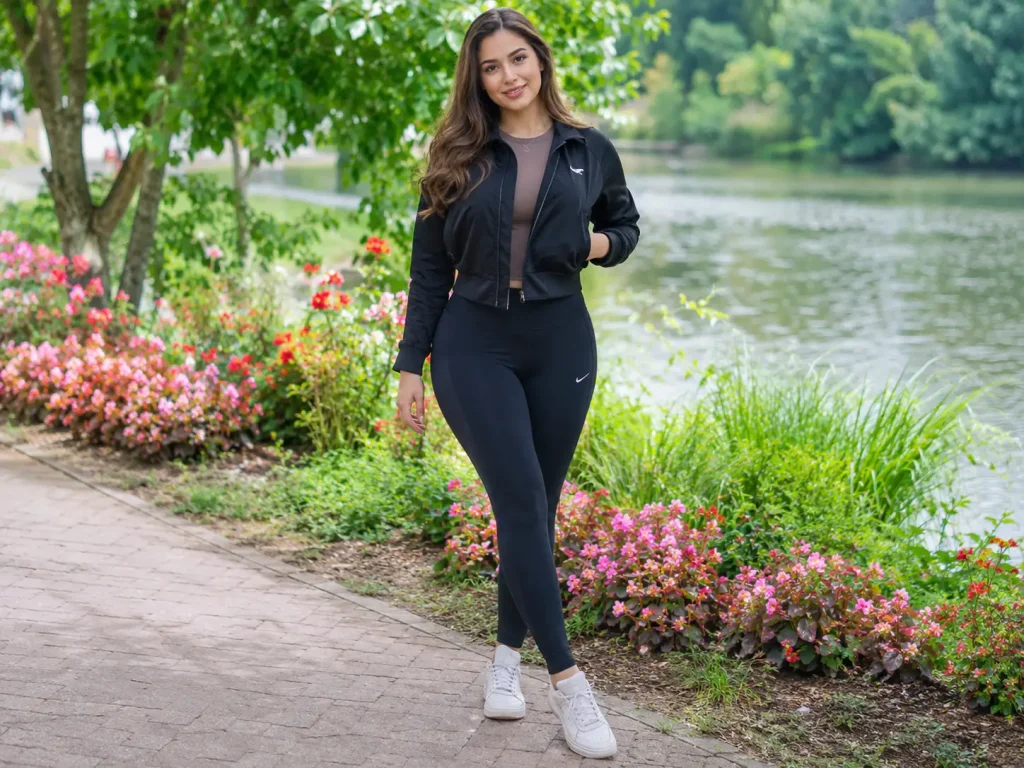
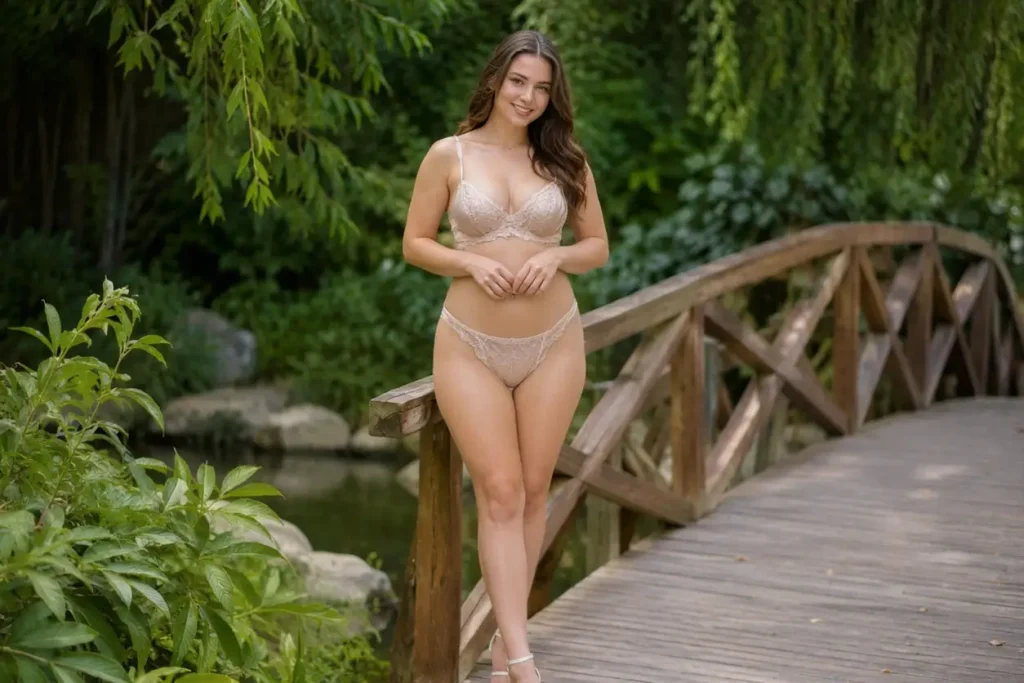
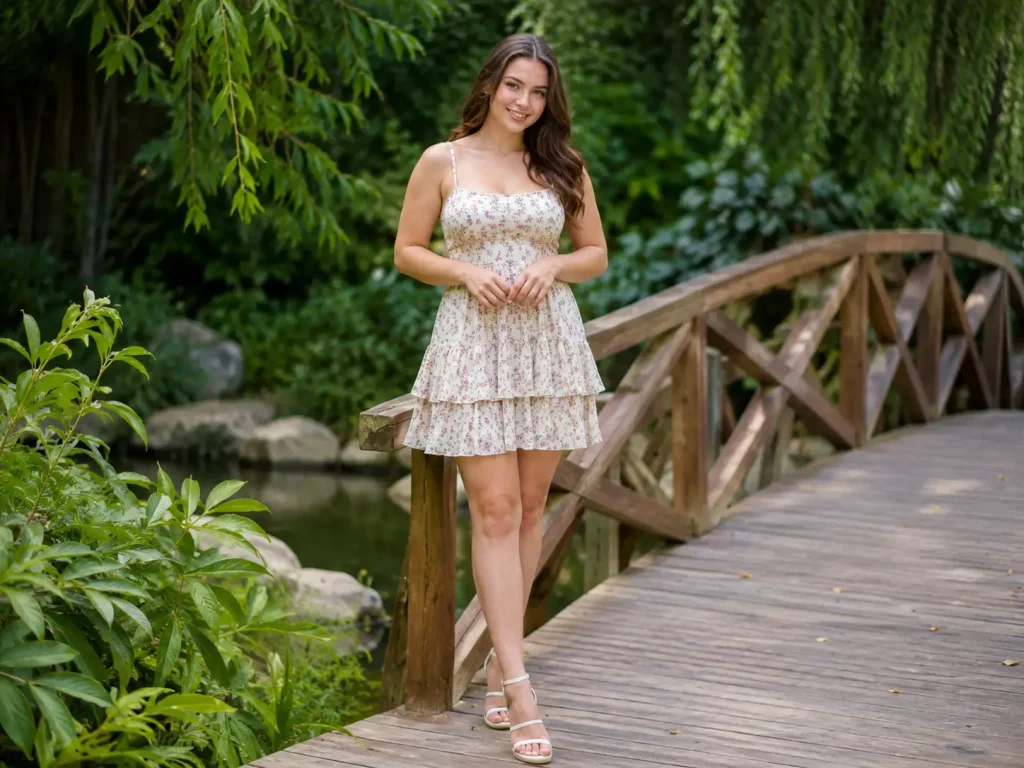
Compare the original photograph with the edited version. Look at the shade, fabric boundaries and details outside the clothing area.
AVACLIK / HOW TO USE IT
Use the same browser-based editor on desktop or mobile.
Choose a clear photograph of a consenting adult. The clothing area should be easy to see, without heavy blur or objects covering it.
Open Outfit and choose a preset or Outfit by description. For a particular garment, use Outfit from photo and upload a clear reference.
Check the token cost on the action button, run the edit and compare versions. Download a version you like; another run may use more tokens.
AVACLIK / YOUR CREATIVE CONTROLS
A short, specific description can communicate a direction without a complicated prompt.
A matching set, bodysuit, slip and lounge outfit each create a different shape. Name the cut and relevant details instead of asking for a generic improvement.
Use the tool’s color picker or describe the shade in words. Lighting in your source photograph influences how the finished color appears.
Use a clear reference with the complete item visible and little background clutter. It guides the look but does not promise exact embroidery or hardware.
AVACLIK / STYLE, NOT SIZING
Virtual lingerie try-on helps you compare fabric, color and silhouette on a photograph you already know. Return to the same original to explore several directions by changing the outfit description.
The AI creates a new visual version rather than calculating garment measurements. Fit, seams, texture and small details may differ from the real item. Use measurements and the manufacturer’s size chart for a purchase; judge the edited image as a creative visualization.
AvaClik is intended for adults aged 18+. Use your own photographs or images of adults who have agreed to this specific edit. Service rules and model restrictions still apply.
AVACLIK / A BETTER STARTING POINT
A few meaningful garment details work better than a long list of vague adjectives.
A waist-up or full-length photograph can show the relevant outfit area. Hands, hair and accessories over the fabric can make an edit harder to interpret.
Name the item, fabric, shade and a key detail. For example: “A burgundy high-waisted set with lace trim; keep the pose and background.”
Check straps, symmetry, fabric edges, hands and shadows. Asking to preserve details defines your goal; it does not guarantee every element stays identical.
AVACLIK / TOKENS
The editor shows the token cost for the selected action before you start.
Cost depends on the selected action. The editor shows the token price before processing; exact garment reproduction is not guaranteed.
Plans and tokens ↗AVACLIK / QUESTIONS, ANSWERED
Upload your photograph, open Outfit and define a set with a preset, description or garment reference. Check the cost, run the edit and review the new version.
This page focuses on underwear, bodysuits and lounge looks: fabric, trim and coordinated pieces. Beachwear and swimwear have their own bikini page.
Yes, with Outfit from photo. A clear garment image helps guide the result, although patterns, seams and small details can change.
Yes. AvaClik is an editor for adults. Adult looks can be edited with the pictured adult’s consent and within the service and model rules. Acceptance of every request is not guaranteed.
Specify a shade and ask to keep the cut, or use the color picker. Review the output because the AI may also change small fabric details.
No. It produces a new visual version of a photograph. It does not measure you or predict the physical fit of a real garment.
Yes. Open the editor in a mobile browser, upload your photo and use the same outfit options.
The editor shows the token cost before you start. If a free edit is available, it may be used when your balance is insufficient.