Best AI Photo Editors With Text Prompts in 2026
A practical 2026 comparison of AI photo editors that accept text prompts, including AvaClik, Adobe Firefly, ChatGPT Images, Gemini, Canva, Photoroom, Pixlr and Fotor.
On this page
Open the AvaClik tool connected to this guide and try it on your photo.
Text-prompt photo editing has moved from a novelty to a practical workflow. Instead of learning every mask, layer and retouching tool, you can upload an existing image and describe the change in natural language: replace an outfit, remove an object, change a background, relight a portrait or refine a product photo. The difficult part in 2026 is no longer finding an editor that accepts prompts; it is choosing the editor whose workflow matches the job.
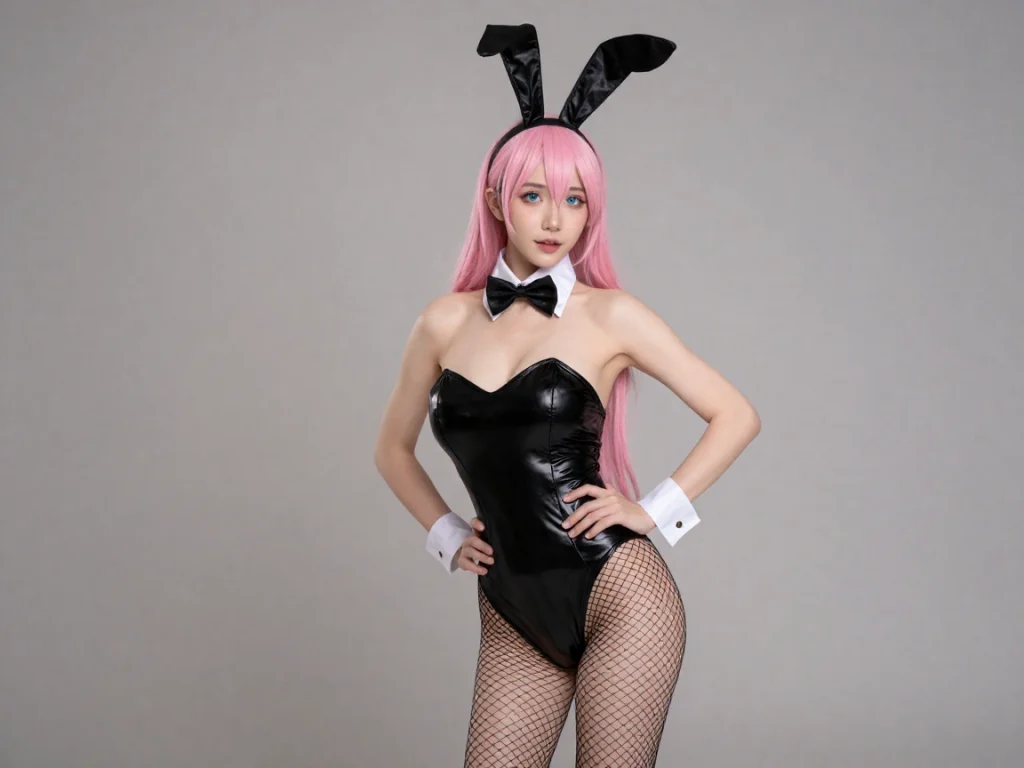
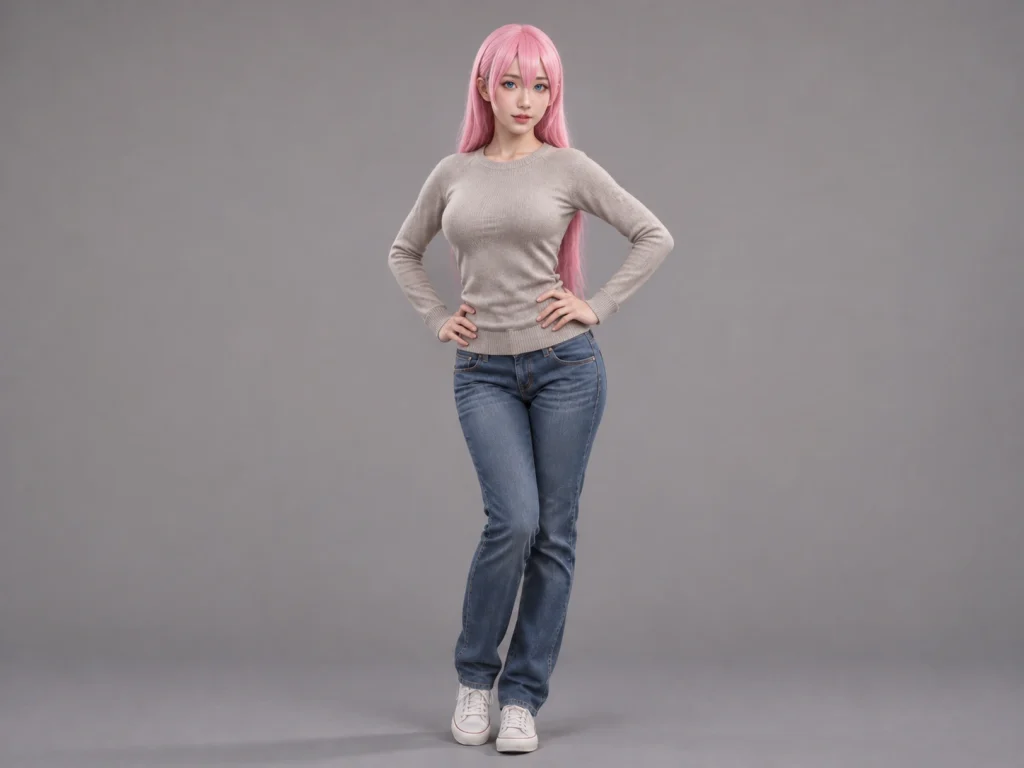
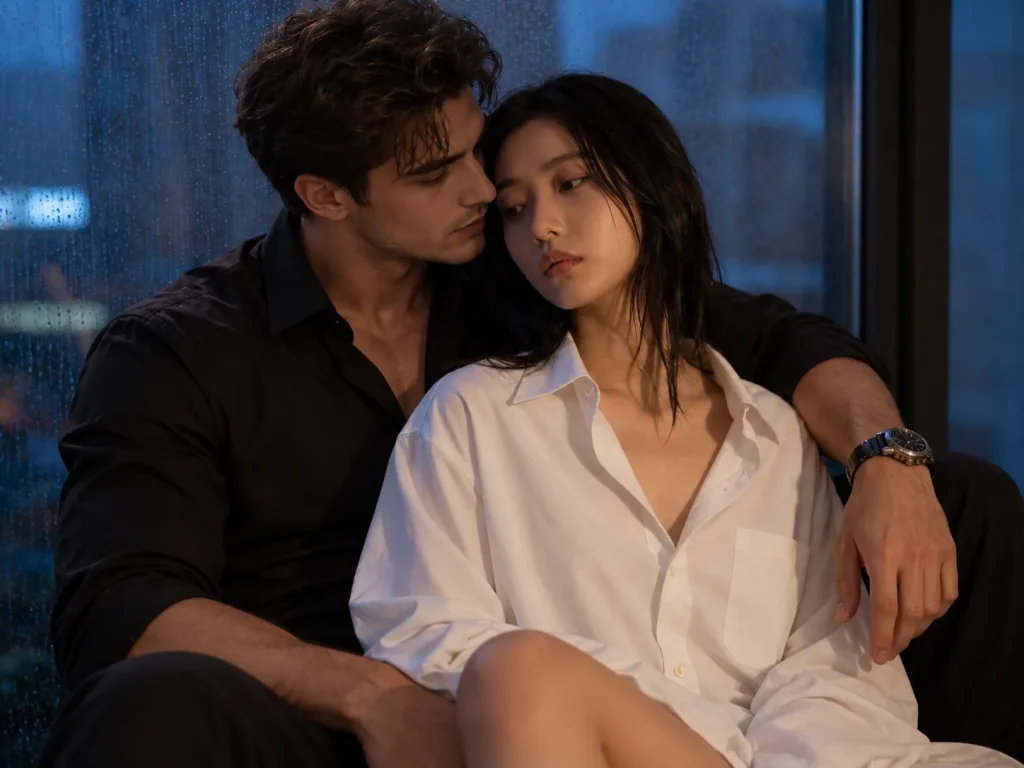
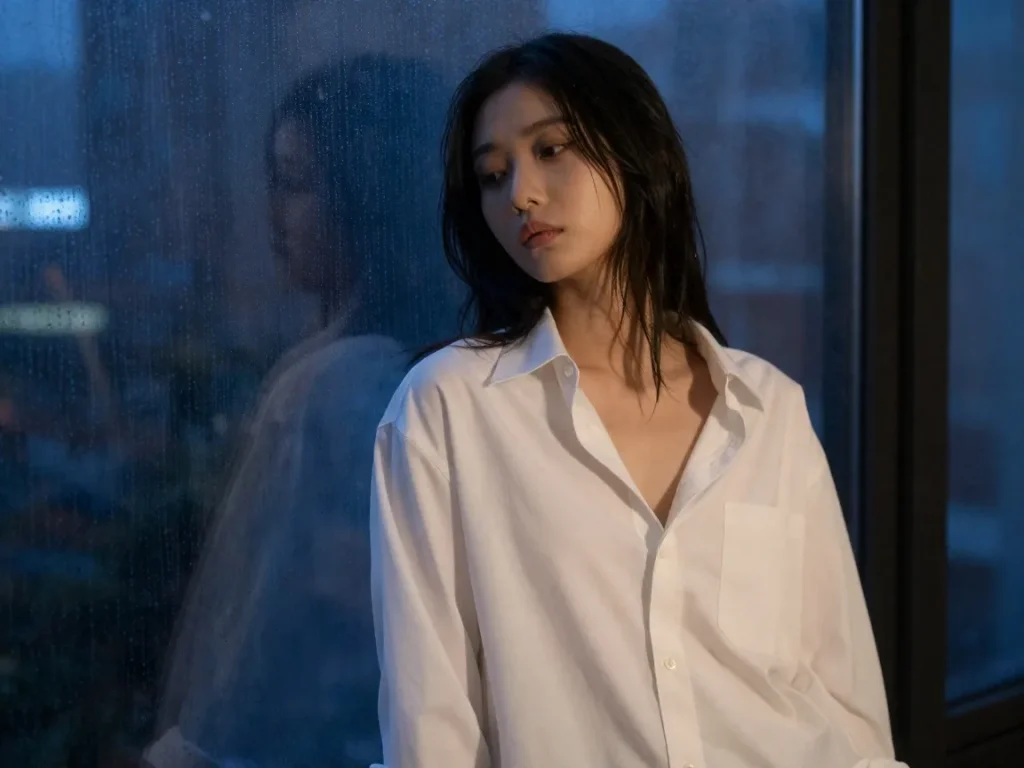
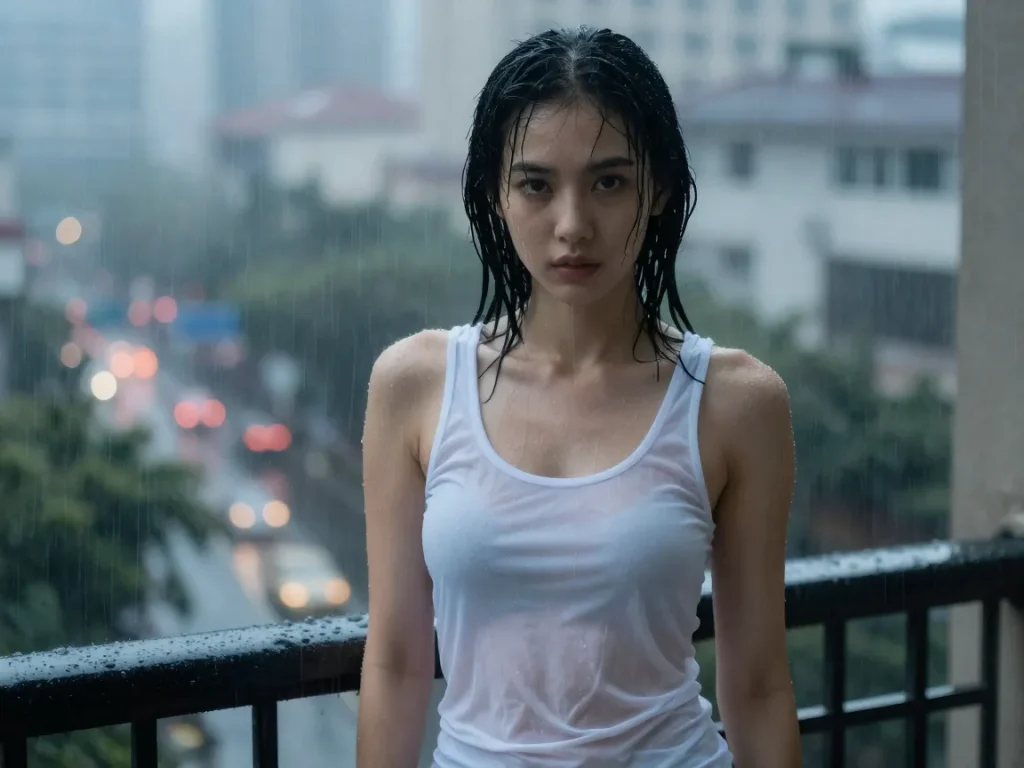
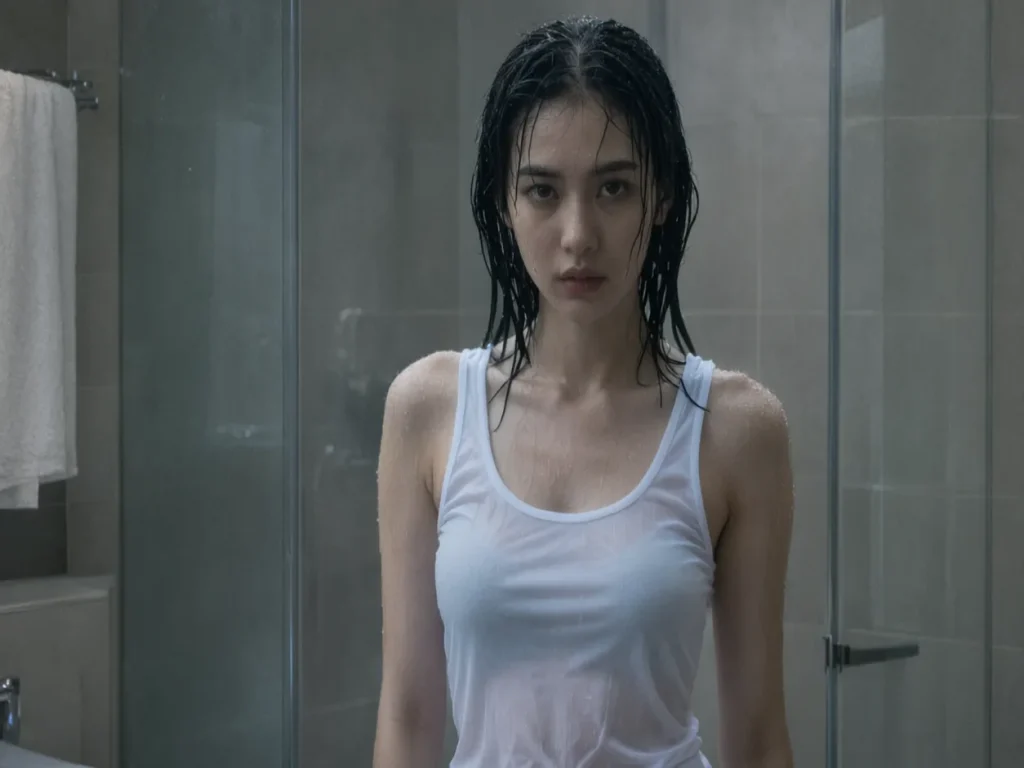
This comparison is based on currently documented product capabilities and workflow fit as of November 2026. It does not invent benchmark scores or pretend that every editor was tested under identical conditions. Before publication, the marked image slots should be filled with the same source image and the same prompt in multiple tools so the article can include AvaClik’s own side-by-side evidence.
Best text-prompt AI photo editors at a glance
| Editor | Best fit | Prompt workflow | Main trade-off |
|---|---|---|---|
| AvaClik | Fast browser edits, adult-oriented workflows | Upload a photo and describe the desired edit | Focused editor rather than a full Photoshop-style workspace |
| Adobe Firefly / Photoshop | Professional creative workflows | Prompt-to-edit plus selection-based Generative Fill | More tools and setup than a simple prompt editor |
| ChatGPT Images | Conversational iteration | Upload an image, describe edits, optionally select an area | Chat workflow is less like a traditional layered editor |
| Google Gemini | Natural-language image changes and reference-driven edits | Direct conversational instructions | Feature availability and limits can vary by account/product surface |
| Canva Magic Edit | Marketing and social designs | Select or brush an area, then describe the replacement | Optimized for design workflow rather than deep pixel retouching |
| Photoroom | Product and ecommerce images | Natural-language Edit with AI, product and batch workflows | Best value is concentrated around commercial/product work |
| Pixlr | Lightweight browser editing | AI Assistant plus Generative Fill and other AI tools | Less integrated than a full pro desktop workflow |
| Fotor | Broad set of quick AI utilities | AI Replace, prompt-assisted edits and specialty tools | Many features are spread across separate tools |
How to compare AI photo editors fairly
“Best AI editor” is too broad unless the test defines the job. A tool can be excellent for removing a product background and still be the wrong choice for preserving a person’s identity through a wardrobe edit. For prompt-based editing, the most useful criteria are:
- Instruction following: does the editor change what you asked for without redesigning unrelated parts of the image?
- Preservation: can it keep face, pose, product shape, text, composition and background when those details should remain stable?
- Local control: can you select or describe a specific area instead of regenerating the entire image?
- Iteration: how easy is it to correct one mistake in the first result?
- Workflow fit: is the result going into a design, product catalog, professional layered edit, adult photo workflow or quick one-off transformation?
- Transparency: are usage limits, credits and restrictions clear enough for your expected volume?
A good comparison should therefore show the same source photo and same editing request in several tools rather than ranking products with arbitrary numbers.
1. AvaClik — best for focused prompt editing and adult-oriented workflows
AvaClik is built around a direct workflow: upload a photo, describe the change, generate a result and iterate. That makes it useful when the user does not want to manage layers, masks or a large design canvas. It is also designed for an adult-oriented editing product, which separates its intended audience from mainstream editors that may have stricter content policies.
The biggest advantage of a focused editor is speed of intent: a user arrives specifically to change the photo, not to create a presentation, social post or multi-layer composition. The trade-off is the same one that applies to most specialized tools: if you need extensive manual compositing after the AI step, a full professional editor may be a better finishing environment.
- Best for: prompt-driven photo changes, portrait/outfit/background edits, adult-oriented editing workflows.
- Use it when: you want to describe the result rather than manually paint a mask or build layers.
- Watch for: identity drift and unwanted secondary changes on complex prompts; use preservation instructions.
Start with the AvaClik AI Photo Editor by Prompt or read How to Write AI Photo Editing Prompts That Actually Work.
2. Adobe Firefly / Photoshop — best for professional control after generation
Adobe’s current Firefly workflow supports editing an existing image with natural-language prompts, and its Generative Fill workflow combines text prompts with manual selection. Firefly also exposes model choices in its editing interface, which is useful when one model handles a particular edit better than another. The real advantage is ecosystem depth: after the AI edit, the image can continue through Photoshop-style selection, masking, color and layer workflows.
That makes Adobe especially strong when the AI step is only part of a professional job. The cost is complexity. If you only want to swap clothing or a background from a prompt, a focused browser editor can reach the first result with less setup.
- Best for: designers, photographers and production work that needs manual refinement.
- Strong point: prompt editing plus precise selection and traditional editing tools.
- Trade-off: heavier workflow for users who only want a quick transformation.
Adobe documents text-prompt editing in Firefly and Generative Fill for selected areas.
3. ChatGPT Images — best for conversational iteration
ChatGPT Images lets users upload an existing image and describe changes conversationally. You can edit by simply describing the requested change or use a selection tool when a specific region needs attention. The strength of this workflow is iteration: instead of rewriting an entire technical prompt, you can say that the jacket is correct but the background should be restored, or ask for a second adjustment in the same conversation.
That conversational loop is excellent for users who think in feedback rather than editor controls. The trade-off is that a chat interface is not a replacement for a traditional layer stack when precise production control is required.
- Best for: natural-language back-and-forth edits.
- Strong point: easy iterative correction and explanation.
- Trade-off: less traditional manual control than a dedicated pixel editor.
OpenAI’s current Images documentation explains upload-based editing and optional local selection.
4. Google Gemini — best for direct natural-language editing and references
Gemini’s image workflows emphasize direct, specific editing instructions and reference inputs. Google’s prompting guidance recommends identifying the subject, composition, action, location and style, then being direct when modifying an existing image. Reference images can also be assigned roles such as pose, style or background.
That makes Gemini appealing when the user wants conversational image transformation without a conventional editor interface. As with other general assistants, the exact limits and available image features can depend on the current product surface and account.
- Best for: natural-language transformations and reference-driven creative edits.
- Strong point: simple instructions plus multi-reference reasoning.
- Trade-off: availability and controls can vary across Google products and plans.
Google’s image prompting guide includes direct editing instructions and reference-image roles.
5. Canva Magic Edit — best when the photo becomes part of a design
Canva’s Magic Edit is built around selecting or brushing an area and describing what should be added, removed or replaced. Its advantage is context: the edited image can immediately continue into a social graphic, presentation, ad or other Canva design.
For marketing teams, this integration can matter more than maximum retouching precision. For a photographer who wants deep pixel control, Canva is not trying to replace Photoshop. For a user who needs an edited photo inside a finished layout, it can be extremely efficient.
- Best for: social graphics, ads, presentations and template-based design.
- Strong point: editing and final design live in the same workspace.
- Trade-off: selection-and-design workflow rather than specialist photo retouching.
Canva’s help center documents selection, brushing and prompt-based replacement.
6. Photoroom — best for products and ecommerce workflows
Photoroom’s Edit with AI accepts a source image and natural-language prompt, with settings that can include quality, aspect ratio and brand style depending on the workflow. The product also integrates AI editing into batch and product-catalog contexts, which is particularly useful for ecommerce teams processing many assets.
For portraits and creative personal edits, that product orientation may be more than you need. For catalog images, product backgrounds and commercial variants, it is a clear strength.
- Best for: ecommerce, product photos, catalog work and batch workflows.
- Strong point: AI edits live inside a product-focused pipeline.
- Trade-off: less centered on general portrait or adult editing.
Photoroom documents its current Edit with AI workflow.
7. Pixlr — best for a lightweight browser editor with AI utilities
Pixlr combines a browser photo editor with AI features such as an AI Assistant, Generative Fill, object removal and generative expansion. This makes it a useful middle ground between a single-purpose prompt editor and a heavier professional application.
Its value is breadth without a desktop install. The trade-off is that the AI workflow is spread across several tools rather than being a single conversational editing surface.
- Best for: users who want browser editing plus multiple AI utilities.
- Strong point: local generative tools and general photo editing in one site.
- Trade-off: less focused than a dedicated prompt-only workflow.
Pixlr’s current editor overview lists AI Assistant and Generative Fill among its image-editing tools.
8. Fotor — best for a large menu of quick AI editing tools
Fotor offers a broad suite of AI photo utilities, including AI Replace for selecting an area and supplying prompt words, along with background, portrait, enhancement and specialty tools. This can be convenient for users who prefer choosing a dedicated function for each job.
The trade-off is navigation: a large catalog of separate tools can feel less direct than one editor where every change is described in the same prompt box.
- Best for: quick one-purpose AI edits and users who like tool-by-tool workflows.
- Strong point: wide feature catalog.
- Trade-off: features are distributed across many dedicated utilities.
Fotor’s AI Replace documentation describes brushing a region and providing prompt words.
The test we would run before choosing an editor
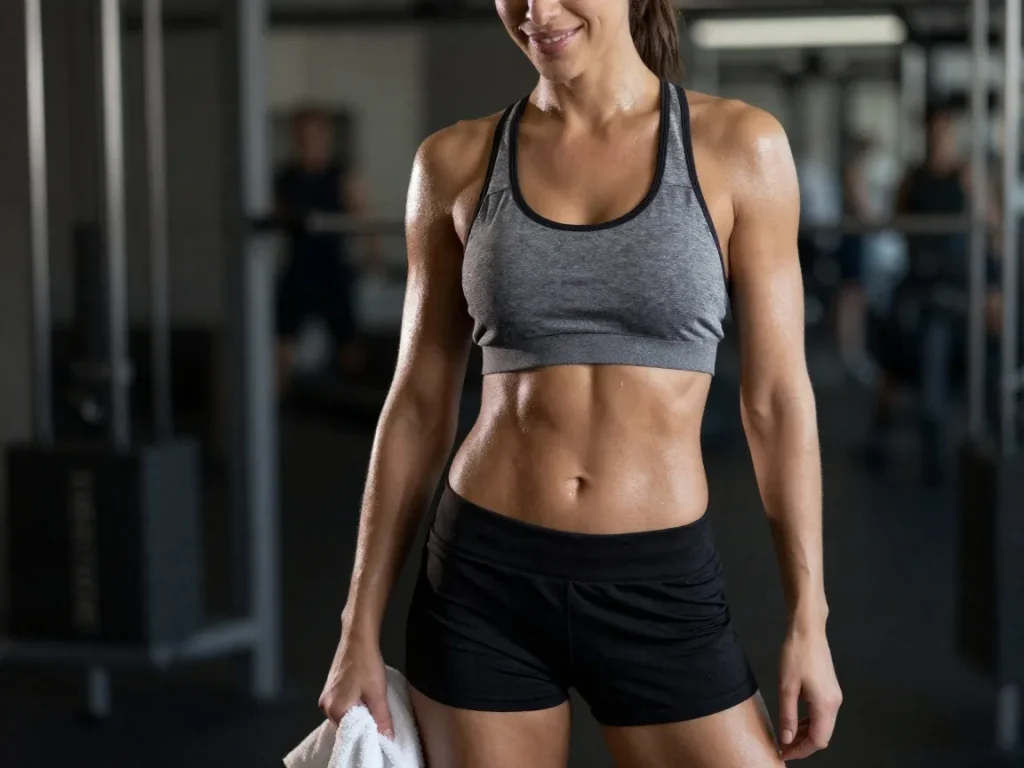
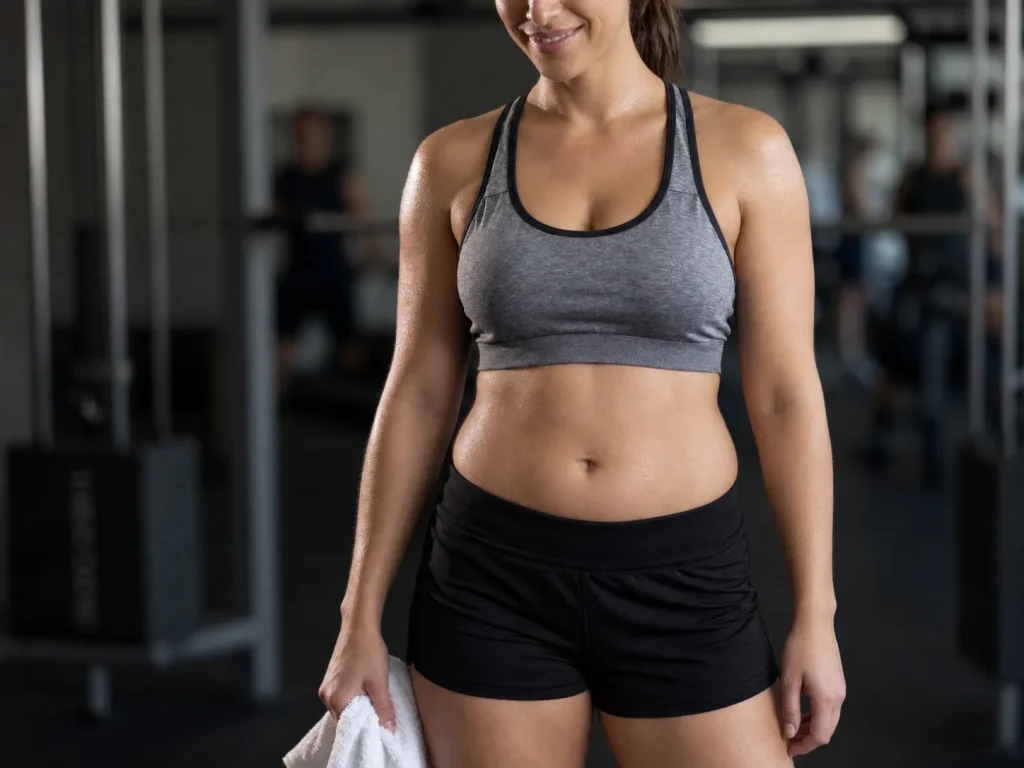
Marketing screenshots are useful, but the fairest comparison is a repeatable source image and prompt. For a portrait editor, try three tests:
- Outfit test: change a jacket while preserving face, pose, hands and background.
- Local cleanup test: remove one background object without changing the subject.
- Lighting test: soften harsh light while preserving identity and scene geometry.
Score the result on preservation first, then visual quality. A beautiful output that changes the person is a failed edit if identity was supposed to remain unchanged.
Which AI prompt editor should you choose?
- Choose AvaClik if you want a focused browser workflow, especially for portrait, outfit, background and adult-oriented editing.
- Choose Adobe Firefly/Photoshop if the AI edit must continue into detailed professional compositing or retouching.
- Choose ChatGPT Images if you prefer conversational correction and iterative feedback.
- Choose Gemini if natural-language transformation and reference-driven prompting fit your workflow.
- Choose Canva if the finished image belongs inside a broader design.
- Choose Photoroom if product photography, catalog output or batch work is the priority.
- Choose Pixlr or Fotor if you want a browser toolkit with many quick AI utilities.
The best tool is the one that preserves the parts of the source you care about while changing the part you actually asked to change. If you are new to prompt editing, start with How to Edit Photos With AI Prompts.
FAQ
What is the best AI photo editor with text prompts?
There is no universal winner. AvaClik is a focused option for prompt-driven and adult-oriented photo editing; Adobe is strongest when professional manual controls matter; ChatGPT is strong for conversational iteration; Canva is useful for design workflows; and Photoroom is particularly suited to product images.
Can AI photo editors preserve the same face?
They can, but preservation is not guaranteed. Use a clear source image, make one main change at a time and explicitly protect identity and facial proportions. See our identity-preservation guide.
Is a prompt editor easier than Photoshop?
For a simple transformation, usually yes. For precise masks, compositing, typography, color-management and production finishing, a traditional professional editor still gives more direct control.
Should I compare AI editors by price?
Price matters, but credit systems and limits change frequently. Compare the cost of the edits you actually make, not only the headline subscription price, and verify current pricing before purchasing.
Why do different editors produce different results from the same prompt?
They use different models, preprocessing, preservation logic, safety rules and editing workflows. The same sentence is therefore interpreted differently. Testing your own real use case is more useful than relying on a generic ranking.
Upload an image, describe one change and keep the details you care about explicit in the prompt.
Try this in AvaClik
Try the workflow in AvaClik
Upload a photo you have permission to edit, make a change, check the result and refine it.
Try AvaClik AI Photo Editor ↗