30 AI Nature and Travel Background Prompts for Photo Editing
Copy 30 AI nature and travel background prompts for beaches, mountains, gardens, lakes, countryside, resort, coastal and scenic outdoor photo edits.
On this page
Open the AvaClik tool connected to this guide and try it on your photo.
Copy 30 AI nature and travel background prompts for beaches, mountains, gardens, lakes, countryside, resort, coastal and scenic outdoor photo edits. This draft is designed for adult 18+ users working with images they are authorized to edit. AI background replacement can create fictional locations or contexts, so do not present a generated scene as documentary proof that a person visited a place, attended an event or endorsed a brand when that did not happen.
Quick answer
Outdoor prompts need more than a place name. Add viewpoint, ground surface, time of day, weather, background distance and light direction so the subject feels physically present in the scene.
In “30 AI Nature and Travel Background Prompts for Photo Editing,” this section matters because outdoor environments where horizon, ground, weather and natural light matter. Treat the original photo as the reference of record and compare the candidate against it rather than judging the generated scene by itself. Review subject preservation, camera geometry, light consistency and edge quality; a visually attractive background is still a weak edit when it changes the subject or breaks the physical logic of the photograph.
A practical test inside “30 AI Nature and Travel Background Prompts for Photo Editing” for quick answer is to keep the same source image and create two controlled candidates that differ in only one important choice. Compare them at normal viewing size first, then zoom into boundaries, shadows and geometry. This isolates whether the improvement comes from the scene description, reference image, lighting instruction or source-photo quality instead of turning the workflow into random trial and error.
Beach backgrounds
Specify sand, shoreline distance, wave scale, sky conditions and sun direction. Feet need believable contact with sand when visible.
In “30 AI Nature and Travel Background Prompts for Photo Editing,” this section matters because outdoor environments where horizon, ground, weather and natural light matter. Treat the original photo as the reference of record and compare the candidate against it rather than judging the generated scene by itself. Review face or product accuracy, perspective, contact shadows and background depth; a visually attractive background is still a weak edit when it changes the subject or breaks the physical logic of the photograph.
A practical test inside “30 AI Nature and Travel Background Prompts for Photo Editing” for beach backgrounds is to keep the same source image and create two controlled candidates that differ in only one important choice. Compare them at normal viewing size first, then zoom into boundaries, shadows and geometry. This isolates whether the improvement comes from the scene description, reference image, lighting instruction or source-photo quality instead of turning the workflow into random trial and error.
Place the subject at a mountain overlook with distant peaks, atmospheric haze, eye-level horizon and soft golden-hour light. Preserve the subject.
Use this as a starting structure, then adapt scene, light and preservation details to your own source photo.
Replace the background with a calm lake shore, distant hills, soft daylight, natural reflections and realistic depth. Keep the subject and framing unchanged.
Use this as a starting structure, then adapt scene, light and preservation details to your own source photo.
Use a bright beach with sand, distant waves, clear horizon and warm late-afternoon sun matching the subject. Preserve face, hair, body and clothes.
Use this as a starting structure, then adapt scene, light and preservation details to your own source photo.
Mountain backgrounds
Use layered distance, atmospheric haze and a sensible horizon. Avoid giant mountains that appear unnaturally close behind a portrait.
In “30 AI Nature and Travel Background Prompts for Photo Editing,” this section matters because outdoor environments where horizon, ground, weather and natural light matter. Treat the original photo as the reference of record and compare the candidate against it rather than judging the generated scene by itself. Review source-photo clarity, scene plausibility, color temperature and reflections; a visually attractive background is still a weak edit when it changes the subject or breaks the physical logic of the photograph.
A practical test inside “30 AI Nature and Travel Background Prompts for Photo Editing” for mountain backgrounds is to keep the same source image and create two controlled candidates that differ in only one important choice. Compare them at normal viewing size first, then zoom into boundaries, shadows and geometry. This isolates whether the improvement comes from the scene description, reference image, lighting instruction or source-photo quality instead of turning the workflow into random trial and error.
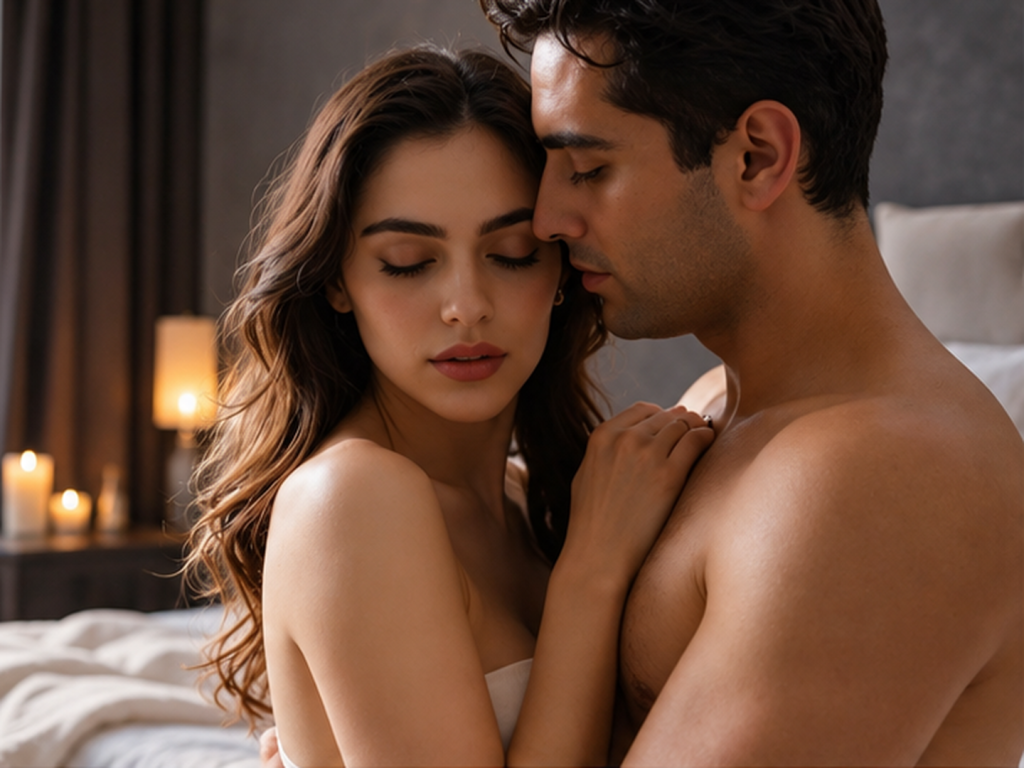
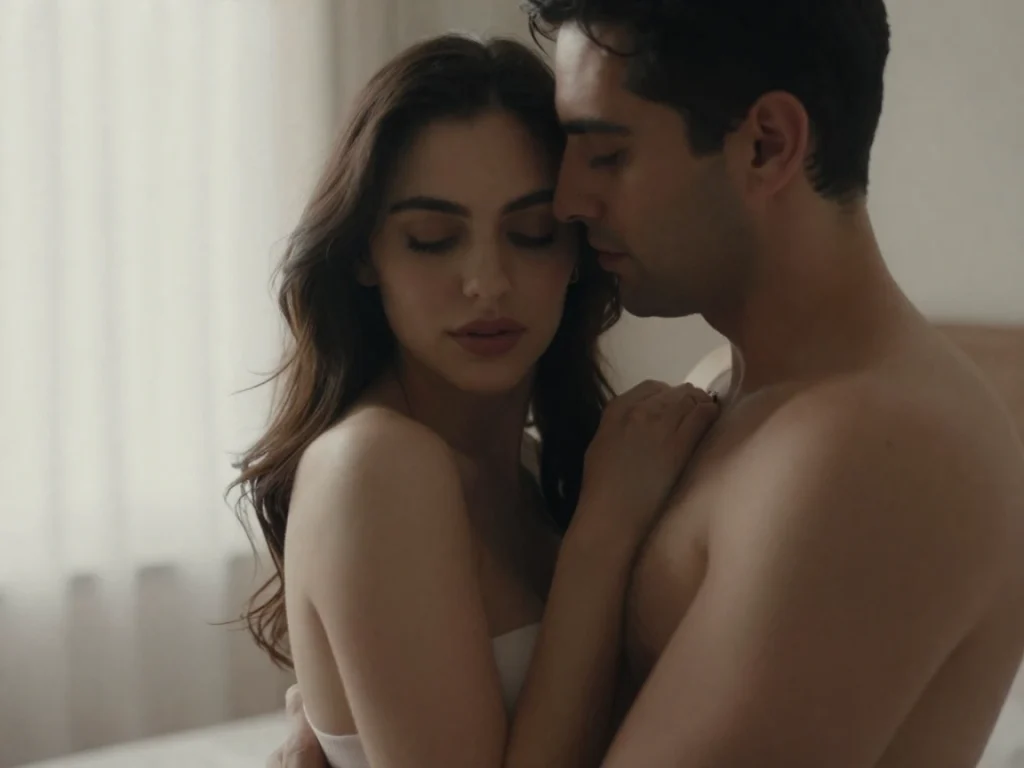
Place the subject on a Mediterranean coastal terrace with sea in the distance, bougainvillea, warm sun and realistic perspective. Keep the person unchanged.
Use this as a starting structure, then adapt scene, light and preservation details to your own source photo.
Replace the background with a winter city street, soft snow, cool overcast light and warm distant shop lights. Preserve the subject.
Use this as a starting structure, then adapt scene, light and preservation details to your own source photo.
Place the subject in an autumn park with orange leaves, soft afternoon light and natural path depth. Keep the person unchanged.
Use this as a starting structure, then adapt scene, light and preservation details to your own source photo.
Garden backgrounds
Gardens benefit from varied depth: nearby foliage, midground paths and softer distant plants rather than one flat wall of flowers.
In “30 AI Nature and Travel Background Prompts for Photo Editing,” this section matters because outdoor environments where horizon, ground, weather and natural light matter. Treat the original photo as the reference of record and compare the candidate against it rather than judging the generated scene by itself. Review normal-size coherence, close-zoom defects, crop stability and unrelated changes; a visually attractive background is still a weak edit when it changes the subject or breaks the physical logic of the photograph.
A practical test inside “30 AI Nature and Travel Background Prompts for Photo Editing” for garden backgrounds is to keep the same source image and create two controlled candidates that differ in only one important choice. Compare them at normal viewing size first, then zoom into boundaries, shadows and geometry. This isolates whether the improvement comes from the scene description, reference image, lighting instruction or source-photo quality instead of turning the workflow into random trial and error.
Use a spring street lined with flowering trees, soft daylight and shallow depth. Preserve face, hair, pose and outfit.
Use this as a starting structure, then adapt scene, light and preservation details to your own source photo.
Replace the background with a modern summer resort terrace, pool in the distance, warm sunlight and realistic perspective. Keep the subject unchanged.
Use this as a starting structure, then adapt scene, light and preservation details to your own source photo.
Place the subject in a clean desert landscape with distant dunes, warm low-angle light and subtle atmospheric haze. Preserve the subject.
Use this as a starting structure, then adapt scene, light and preservation details to your own source photo.
Forest backgrounds
Control shade and dappled light. A bright studio-lit person in a dark forest needs coherent relighting to avoid a pasted look.
In “30 AI Nature and Travel Background Prompts for Photo Editing,” this section matters because outdoor environments where horizon, ground, weather and natural light matter. Treat the original photo as the reference of record and compare the candidate against it rather than judging the generated scene by itself. Review intended use, visual accuracy, reproducibility and final review; a visually attractive background is still a weak edit when it changes the subject or breaks the physical logic of the photograph.
A practical test inside “30 AI Nature and Travel Background Prompts for Photo Editing” for forest backgrounds is to keep the same source image and create two controlled candidates that differ in only one important choice. Compare them at normal viewing size first, then zoom into boundaries, shadows and geometry. This isolates whether the improvement comes from the scene description, reference image, lighting instruction or source-photo quality instead of turning the workflow into random trial and error.
Place the subject on a safe coastal overlook with distant cliffs, blue sea, warm late-afternoon light and realistic horizon height. Preserve the subject.
Use this as a starting structure, then adapt scene, light and preservation details to your own source photo.
Replace the background with a lavender field, distant rows, warm sunset light and gentle atmospheric depth. Keep the person unchanged.
Use this as a starting structure, then adapt scene, light and preservation details to your own source photo.
Use a bright botanical greenhouse with layered plants, glass structure, diffused daylight and natural depth. Preserve face, pose and outfit.
Use this as a starting structure, then adapt scene, light and preservation details to your own source photo.
Lake and river scenes
Water adds reflections and horizon cues. Keep shoreline height and camera level believable.
In “30 AI Nature and Travel Background Prompts for Photo Editing,” this section matters because outdoor environments where horizon, ground, weather and natural light matter. Treat the original photo as the reference of record and compare the candidate against it rather than judging the generated scene by itself. Review subject preservation, camera geometry, light consistency and edge quality; a visually attractive background is still a weak edit when it changes the subject or breaks the physical logic of the photograph.
A practical test inside “30 AI Nature and Travel Background Prompts for Photo Editing” for lake and river scenes is to keep the same source image and create two controlled candidates that differ in only one important choice. Compare them at normal viewing size first, then zoom into boundaries, shadows and geometry. This isolates whether the improvement comes from the scene description, reference image, lighting instruction or source-photo quality instead of turning the workflow into random trial and error.
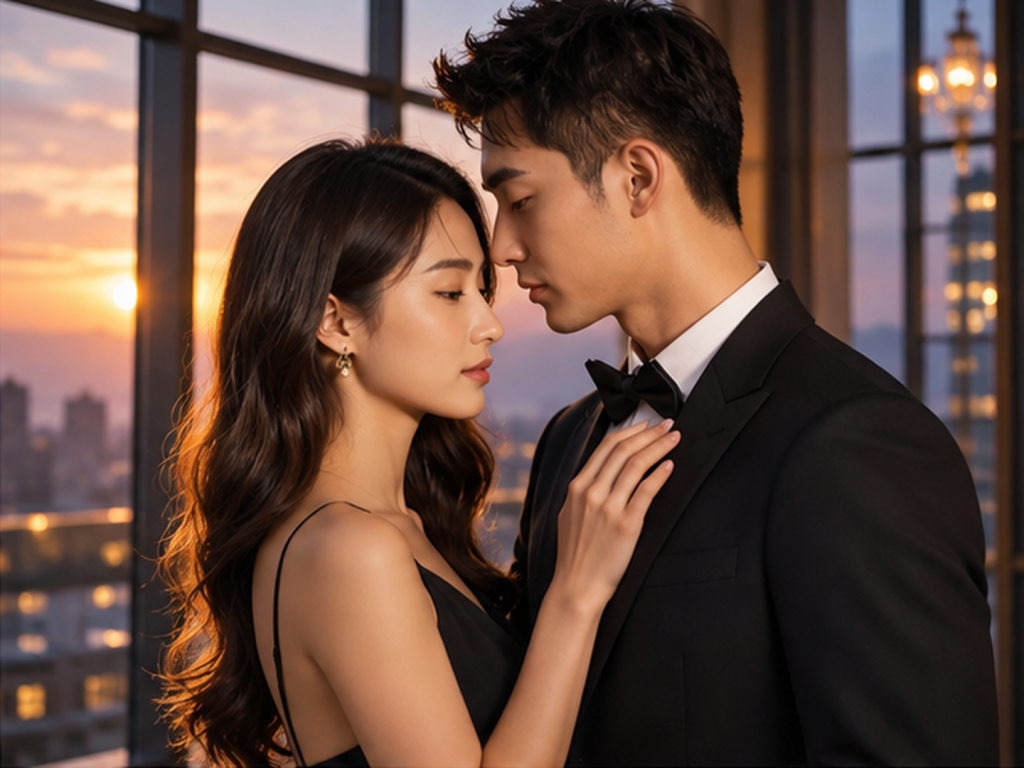
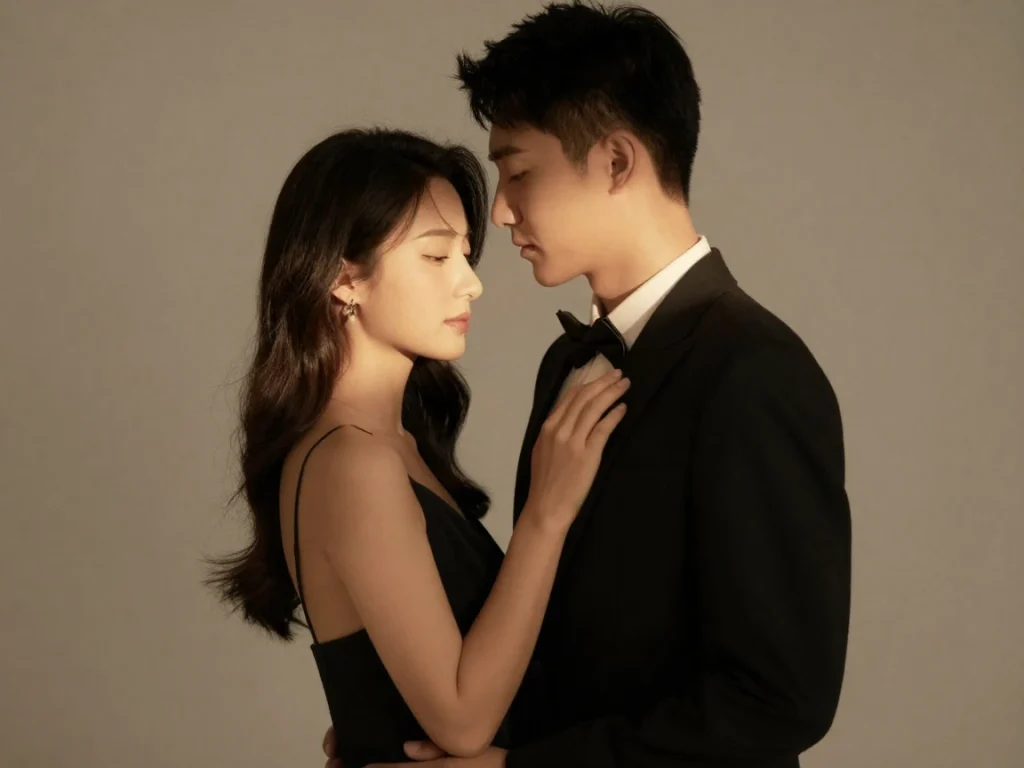
Place the subject in a rolling countryside scene with cypress trees, distant farmhouse, warm evening light and realistic road perspective. Preserve the subject.
Use this as a starting structure, then adapt scene, light and preservation details to your own source photo.
Use a calm alpine lake with mountains far behind, soft morning mist and cool natural daylight. Keep the person unchanged.
Use this as a starting structure, then adapt scene, light and preservation details to your own source photo.
Replace the background with a lush tropical garden, soft filtered sunlight, layered foliage and believable ground contact. Preserve the subject.
Use this as a starting structure, then adapt scene, light and preservation details to your own source photo.
Countryside scenes
Fields, roads and fences create strong perspective lines. Make sure they converge consistently with the original camera.
In “30 AI Nature and Travel Background Prompts for Photo Editing,” this section matters because outdoor environments where horizon, ground, weather and natural light matter. Treat the original photo as the reference of record and compare the candidate against it rather than judging the generated scene by itself. Review face or product accuracy, perspective, contact shadows and background depth; a visually attractive background is still a weak edit when it changes the subject or breaks the physical logic of the photograph.
A practical test inside “30 AI Nature and Travel Background Prompts for Photo Editing” for countryside scenes is to keep the same source image and create two controlled candidates that differ in only one important choice. Compare them at normal viewing size first, then zoom into boundaries, shadows and geometry. This isolates whether the improvement comes from the scene description, reference image, lighting instruction or source-photo quality instead of turning the workflow into random trial and error.
Place the subject in a Mediterranean olive grove, dry grass, soft golden-hour light and gentle background blur. Keep identity and clothing unchanged.
Use this as a starting structure, then adapt scene, light and preservation details to your own source photo.
Use a coastal boardwalk with ocean horizon, late-afternoon sun and realistic railing perspective. Preserve the subject.
Use this as a starting structure, then adapt scene, light and preservation details to your own source photo.
Replace the background with a distant waterfall and forest trail, soft mist, overcast daylight and realistic depth. Keep the person unchanged.
Use this as a starting structure, then adapt scene, light and preservation details to your own source photo.
Coastal town backgrounds
Architecture, sea and elevation can create beautiful depth, but keep the subject scale plausible relative to balconies, railings and streets.
In “30 AI Nature and Travel Background Prompts for Photo Editing,” this section matters because outdoor environments where horizon, ground, weather and natural light matter. Treat the original photo as the reference of record and compare the candidate against it rather than judging the generated scene by itself. Review source-photo clarity, scene plausibility, color temperature and reflections; a visually attractive background is still a weak edit when it changes the subject or breaks the physical logic of the photograph.
A practical test inside “30 AI Nature and Travel Background Prompts for Photo Editing” for coastal town backgrounds is to keep the same source image and create two controlled candidates that differ in only one important choice. Compare them at normal viewing size first, then zoom into boundaries, shadows and geometry. This isolates whether the improvement comes from the scene description, reference image, lighting instruction or source-photo quality instead of turning the workflow into random trial and error.
Place the subject in a modern desert resort courtyard with warm stone, distant dunes and soft sunset light. Preserve the subject.
Use this as a starting structure, then adapt scene, light and preservation details to your own source photo.
Use a vineyard with rows receding into the distance, warm late-afternoon light and natural ground perspective. Keep the person unchanged.
Use this as a starting structure, then adapt scene, light and preservation details to your own source photo.
Replace the background with an open meadow of small wildflowers, soft breeze, overcast daylight and distant hills. Preserve the subject.
Use this as a starting structure, then adapt scene, light and preservation details to your own source photo.
Resort and pool backgrounds
Reflective water and hard sun require careful shadow and highlight matching on skin, hair and clothing.
In “30 AI Nature and Travel Background Prompts for Photo Editing,” this section matters because outdoor environments where horizon, ground, weather and natural light matter. Treat the original photo as the reference of record and compare the candidate against it rather than judging the generated scene by itself. Review normal-size coherence, close-zoom defects, crop stability and unrelated changes; a visually attractive background is still a weak edit when it changes the subject or breaks the physical logic of the photograph.
A practical test inside “30 AI Nature and Travel Background Prompts for Photo Editing” for resort and pool backgrounds is to keep the same source image and create two controlled candidates that differ in only one important choice. Compare them at normal viewing size first, then zoom into boundaries, shadows and geometry. This isolates whether the improvement comes from the scene description, reference image, lighting instruction or source-photo quality instead of turning the workflow into random trial and error.


Use a tropical beach with palm silhouettes, calm ocean and warm sunset light from the side. Preserve face, hair, pose and outfit.
Use this as a starting structure, then adapt scene, light and preservation details to your own source photo.
Place the subject near a rocky coastline with distant waves, soft cloudy daylight and natural scale. Keep the person unchanged.
Use this as a starting structure, then adapt scene, light and preservation details to your own source photo.
Use a quiet woodland path with orange leaves, soft filtered light and layered depth. Preserve the subject.
Use this as a starting structure, then adapt scene, light and preservation details to your own source photo.
Golden-hour outdoor scenes
Warm low-angle light should affect the subject edges and cast longer shadows. A purely warm background behind neutral midday subject lighting looks artificial.
In “30 AI Nature and Travel Background Prompts for Photo Editing,” this section matters because outdoor environments where horizon, ground, weather and natural light matter. Treat the original photo as the reference of record and compare the candidate against it rather than judging the generated scene by itself. Review intended use, visual accuracy, reproducibility and final review; a visually attractive background is still a weak edit when it changes the subject or breaks the physical logic of the photograph.
A practical test inside “30 AI Nature and Travel Background Prompts for Photo Editing” for golden-hour outdoor scenes is to keep the same source image and create two controlled candidates that differ in only one important choice. Compare them at normal viewing size first, then zoom into boundaries, shadows and geometry. This isolates whether the improvement comes from the scene description, reference image, lighting instruction or source-photo quality instead of turning the workflow into random trial and error.
Replace the background with a distant alpine village, snow-covered roofs, soft winter daylight and realistic perspective. Keep the person unchanged.
Use this as a starting structure, then adapt scene, light and preservation details to your own source photo.
Place the subject near a modern lakeside cabin with trees and water in the background, soft morning light and shallow depth. Preserve the subject.
Use this as a starting structure, then adapt scene, light and preservation details to your own source photo.
Use a humid rainforest overlook with layered green hills, misty depth and diffused daylight. Keep the person unchanged.
Use this as a starting structure, then adapt scene, light and preservation details to your own source photo.
Overcast outdoor scenes
Soft gray daylight is forgiving because shadows are broad and color is neutral. It is useful when the source photo also has soft light.
In “30 AI Nature and Travel Background Prompts for Photo Editing,” this section matters because outdoor environments where horizon, ground, weather and natural light matter. Treat the original photo as the reference of record and compare the candidate against it rather than judging the generated scene by itself. Review subject preservation, camera geometry, light consistency and edge quality; a visually attractive background is still a weak edit when it changes the subject or breaks the physical logic of the photograph.
A practical test inside “30 AI Nature and Travel Background Prompts for Photo Editing” for overcast outdoor scenes is to keep the same source image and create two controlled candidates that differ in only one important choice. Compare them at normal viewing size first, then zoom into boundaries, shadows and geometry. This isolates whether the improvement comes from the scene description, reference image, lighting instruction or source-photo quality instead of turning the workflow into random trial and error.
Replace the background with a sunlit Mediterranean terrace, white stone, distant blue sea and warm natural light. Preserve the subject.
Use this as a starting structure, then adapt scene, light and preservation details to your own source photo.
Place the subject beside a quiet countryside road with fields and trees receding naturally, soft evening light and realistic horizon. Keep the person unchanged.
Use this as a starting structure, then adapt scene, light and preservation details to your own source photo.
Replace the background with a lush garden path, layered greenery, soft overcast daylight and gentle background bokeh. Keep the subject unchanged.
Use this as a starting structure, then adapt scene, light and preservation details to your own source photo.
Winter and snowy scenes
Snow creates bright environmental bounce. Skin and clothing may need cooler ambient light and bright lower fill to fit naturally.
In “30 AI Nature and Travel Background Prompts for Photo Editing,” this section matters because outdoor environments where horizon, ground, weather and natural light matter. Treat the original photo as the reference of record and compare the candidate against it rather than judging the generated scene by itself. Review face or product accuracy, perspective, contact shadows and background depth; a visually attractive background is still a weak edit when it changes the subject or breaks the physical logic of the photograph.
A practical test inside “30 AI Nature and Travel Background Prompts for Photo Editing” for winter and snowy scenes is to keep the same source image and create two controlled candidates that differ in only one important choice. Compare them at normal viewing size first, then zoom into boundaries, shadows and geometry. This isolates whether the improvement comes from the scene description, reference image, lighting instruction or source-photo quality instead of turning the workflow into random trial and error.
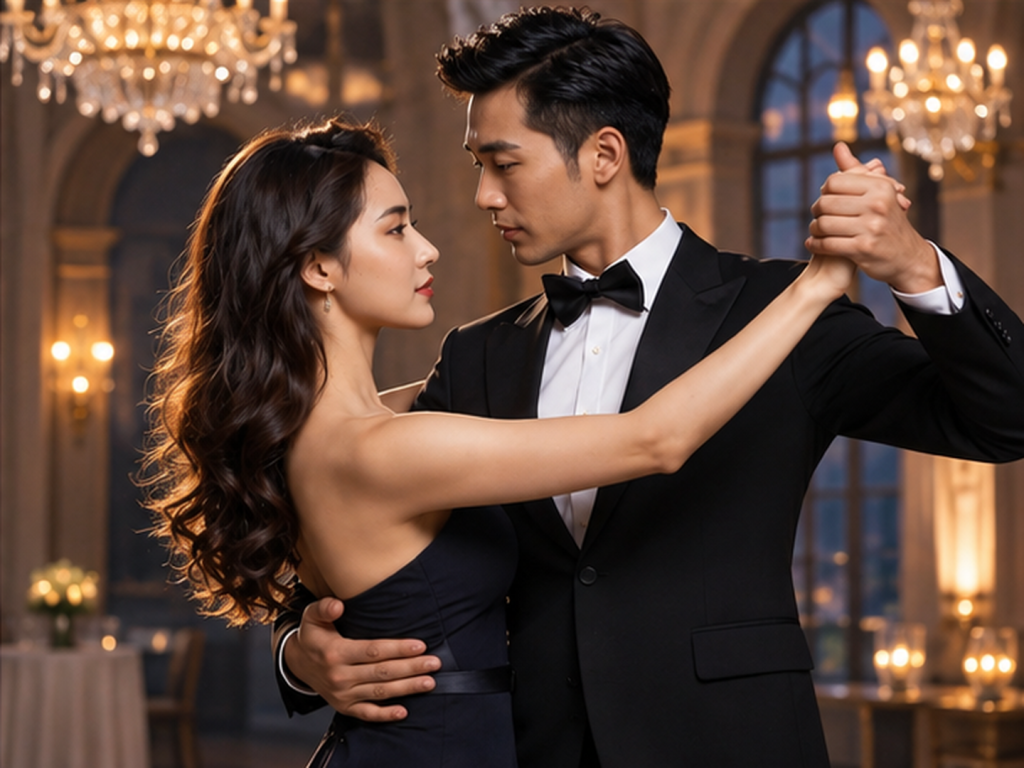
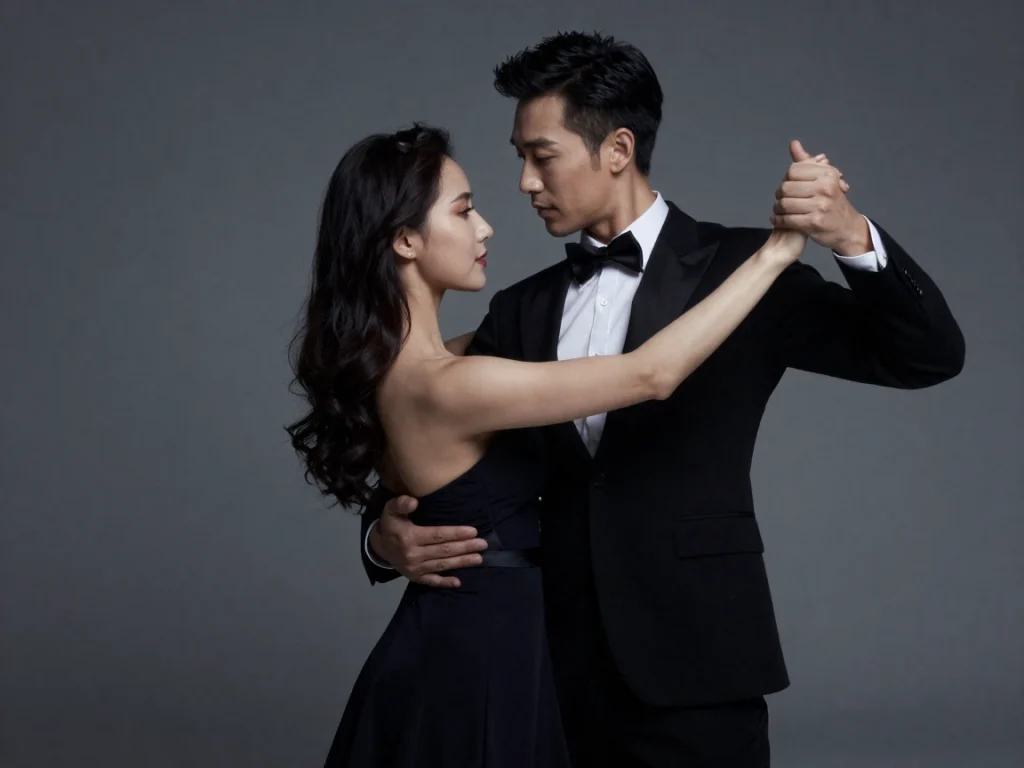
Use a refined rose garden with flowers in the midground, soft late-afternoon light and natural depth. Preserve face, hair, pose and outfit.
Use this as a starting structure, then adapt scene, light and preservation details to your own source photo.
Replace only the background with a quiet forest trail, soft filtered daylight, layered trees and realistic ground contact. Keep the person unchanged.
Use this as a starting structure, then adapt scene, light and preservation details to your own source photo.
Place the subject at a mountain overlook with distant peaks, atmospheric haze, eye-level horizon and soft golden-hour light. Preserve the subject.
Use this as a starting structure, then adapt scene, light and preservation details to your own source photo.
Tropical scenes
Strong saturated greens and warm sun can create edge color spill. Preserve the person while letting subtle ambient color connect them to the environment.
In “30 AI Nature and Travel Background Prompts for Photo Editing,” this section matters because outdoor environments where horizon, ground, weather and natural light matter. Treat the original photo as the reference of record and compare the candidate against it rather than judging the generated scene by itself. Review source-photo clarity, scene plausibility, color temperature and reflections; a visually attractive background is still a weak edit when it changes the subject or breaks the physical logic of the photograph.
A practical test inside “30 AI Nature and Travel Background Prompts for Photo Editing” for tropical scenes is to keep the same source image and create two controlled candidates that differ in only one important choice. Compare them at normal viewing size first, then zoom into boundaries, shadows and geometry. This isolates whether the improvement comes from the scene description, reference image, lighting instruction or source-photo quality instead of turning the workflow into random trial and error.
Replace the background with a calm lake shore, distant hills, soft daylight, natural reflections and realistic depth. Keep the subject and framing unchanged.
Use this as a starting structure, then adapt scene, light and preservation details to your own source photo.
Use a bright beach with sand, distant waves, clear horizon and warm late-afternoon sun matching the subject. Preserve face, hair, body and clothes.
Use this as a starting structure, then adapt scene, light and preservation details to your own source photo.
Place the subject on a Mediterranean coastal terrace with sea in the distance, bougainvillea, warm sun and realistic perspective. Keep the person unchanged.
Use this as a starting structure, then adapt scene, light and preservation details to your own source photo.
How to avoid travel-photo clichés
Choose a plausible viewpoint and restrained landmark presence rather than placing a huge famous monument directly behind the subject every time.
In “30 AI Nature and Travel Background Prompts for Photo Editing,” this section matters because outdoor environments where horizon, ground, weather and natural light matter. Treat the original photo as the reference of record and compare the candidate against it rather than judging the generated scene by itself. Review normal-size coherence, close-zoom defects, crop stability and unrelated changes; a visually attractive background is still a weak edit when it changes the subject or breaks the physical logic of the photograph.
A practical test inside “30 AI Nature and Travel Background Prompts for Photo Editing” for how to avoid travel-photo clichés is to keep the same source image and create two controlled candidates that differ in only one important choice. Compare them at normal viewing size first, then zoom into boundaries, shadows and geometry. This isolates whether the improvement comes from the scene description, reference image, lighting instruction or source-photo quality instead of turning the workflow into random trial and error.
Replace the background with a winter city street, soft snow, cool overcast light and warm distant shop lights. Preserve the subject.
Use this as a starting structure, then adapt scene, light and preservation details to your own source photo.
Place the subject in an autumn park with orange leaves, soft afternoon light and natural path depth. Keep the person unchanged.
Use this as a starting structure, then adapt scene, light and preservation details to your own source photo.
Use a spring street lined with flowering trees, soft daylight and shallow depth. Preserve face, hair, pose and outfit.
Use this as a starting structure, then adapt scene, light and preservation details to your own source photo.
Use references for specific destinations carefully
A reference can guide visual style, but avoid implying the resulting AI image documents a trip or event that did not actually happen.
In “30 AI Nature and Travel Background Prompts for Photo Editing,” this section matters because outdoor environments where horizon, ground, weather and natural light matter. Treat the original photo as the reference of record and compare the candidate against it rather than judging the generated scene by itself. Review intended use, visual accuracy, reproducibility and final review; a visually attractive background is still a weak edit when it changes the subject or breaks the physical logic of the photograph.
A practical test inside “30 AI Nature and Travel Background Prompts for Photo Editing” for use references for specific destinations carefully is to keep the same source image and create two controlled candidates that differ in only one important choice. Compare them at normal viewing size first, then zoom into boundaries, shadows and geometry. This isolates whether the improvement comes from the scene description, reference image, lighting instruction or source-photo quality instead of turning the workflow into random trial and error.
Replace the background with a modern summer resort terrace, pool in the distance, warm sunlight and realistic perspective. Keep the subject unchanged.
Use this as a starting structure, then adapt scene, light and preservation details to your own source photo.
Place the subject in a clean desert landscape with distant dunes, warm low-angle light and subtle atmospheric haze. Preserve the subject.
Use this as a starting structure, then adapt scene, light and preservation details to your own source photo.
Place the subject on a safe coastal overlook with distant cliffs, blue sea, warm late-afternoon light and realistic horizon height. Preserve the subject.
Use this as a starting structure, then adapt scene, light and preservation details to your own source photo.
Related AvaClik guides
Use the general prompt library for indoor scenes, the realism guide for natural light and the reference-image guide for specific visual environments.
In “30 AI Nature and Travel Background Prompts for Photo Editing,” this section matters because outdoor environments where horizon, ground, weather and natural light matter. Treat the original photo as the reference of record and compare the candidate against it rather than judging the generated scene by itself. Review subject preservation, camera geometry, light consistency and edge quality; a visually attractive background is still a weak edit when it changes the subject or breaks the physical logic of the photograph.
A practical test inside “30 AI Nature and Travel Background Prompts for Photo Editing” for related avaclik guides is to keep the same source image and create two controlled candidates that differ in only one important choice. Compare them at normal viewing size first, then zoom into boundaries, shadows and geometry. This isolates whether the improvement comes from the scene description, reference image, lighting instruction or source-photo quality instead of turning the workflow into random trial and error.
Frequently asked questions
These answers cover horizons, footprints, water reflections, sun direction and why some landmark backgrounds feel immediately fake.
In “30 AI Nature and Travel Background Prompts for Photo Editing,” this section matters because outdoor environments where horizon, ground, weather and natural light matter. Treat the original photo as the reference of record and compare the candidate against it rather than judging the generated scene by itself. Review face or product accuracy, perspective, contact shadows and background depth; a visually attractive background is still a weak edit when it changes the subject or breaks the physical logic of the photograph.
A practical test inside “30 AI Nature and Travel Background Prompts for Photo Editing” for frequently asked questions is to keep the same source image and create two controlled candidates that differ in only one important choice. Compare them at normal viewing size first, then zoom into boundaries, shadows and geometry. This isolates whether the improvement comes from the scene description, reference image, lighting instruction or source-photo quality instead of turning the workflow into random trial and error.
Final takeaway
Outdoor realism depends on scale, horizon, light and ground contact. A believable environment is more important than packing the frame with scenic details.
In “30 AI Nature and Travel Background Prompts for Photo Editing,” this section matters because outdoor environments where horizon, ground, weather and natural light matter. Treat the original photo as the reference of record and compare the candidate against it rather than judging the generated scene by itself. Review source-photo clarity, scene plausibility, color temperature and reflections; a visually attractive background is still a weak edit when it changes the subject or breaks the physical logic of the photograph.
A practical test inside “30 AI Nature and Travel Background Prompts for Photo Editing” for final takeaway is to keep the same source image and create two controlled candidates that differ in only one important choice. Compare them at normal viewing size first, then zoom into boundaries, shadows and geometry. This isolates whether the improvement comes from the scene description, reference image, lighting instruction or source-photo quality instead of turning the workflow into random trial and error.
30 nature and travel prompts
Replace the background with a lush garden path, layered greenery, soft overcast daylight and gentle background bokeh. Keep the subject unchanged.
Adjust the scene to match your source image and keep subject-preservation constraints intact.
Use a refined rose garden with flowers in the midground, soft late-afternoon light and natural depth. Preserve face, hair, pose and outfit.
Adjust the scene to match your source image and keep subject-preservation constraints intact.
Replace only the background with a quiet forest trail, soft filtered daylight, layered trees and realistic ground contact. Keep the person unchanged.
Adjust the scene to match your source image and keep subject-preservation constraints intact.
Place the subject at a mountain overlook with distant peaks, atmospheric haze, eye-level horizon and soft golden-hour light. Preserve the subject.
Adjust the scene to match your source image and keep subject-preservation constraints intact.
Replace the background with a calm lake shore, distant hills, soft daylight, natural reflections and realistic depth. Keep the subject and framing unchanged.
Adjust the scene to match your source image and keep subject-preservation constraints intact.
Use a bright beach with sand, distant waves, clear horizon and warm late-afternoon sun matching the subject. Preserve face, hair, body and clothes.
Adjust the scene to match your source image and keep subject-preservation constraints intact.
Place the subject on a Mediterranean coastal terrace with sea in the distance, bougainvillea, warm sun and realistic perspective. Keep the person unchanged.
Adjust the scene to match your source image and keep subject-preservation constraints intact.
Replace the background with a winter city street, soft snow, cool overcast light and warm distant shop lights. Preserve the subject.
Adjust the scene to match your source image and keep subject-preservation constraints intact.
Place the subject in an autumn park with orange leaves, soft afternoon light and natural path depth. Keep the person unchanged.
Adjust the scene to match your source image and keep subject-preservation constraints intact.
Use a spring street lined with flowering trees, soft daylight and shallow depth. Preserve face, hair, pose and outfit.
Adjust the scene to match your source image and keep subject-preservation constraints intact.
Replace the background with a modern summer resort terrace, pool in the distance, warm sunlight and realistic perspective. Keep the subject unchanged.
Adjust the scene to match your source image and keep subject-preservation constraints intact.
Place the subject in a clean desert landscape with distant dunes, warm low-angle light and subtle atmospheric haze. Preserve the subject.
Adjust the scene to match your source image and keep subject-preservation constraints intact.
Place the subject on a safe coastal overlook with distant cliffs, blue sea, warm late-afternoon light and realistic horizon height. Preserve the subject.
Adjust the scene to match your source image and keep subject-preservation constraints intact.
Replace the background with a lavender field, distant rows, warm sunset light and gentle atmospheric depth. Keep the person unchanged.
Adjust the scene to match your source image and keep subject-preservation constraints intact.
Use a bright botanical greenhouse with layered plants, glass structure, diffused daylight and natural depth. Preserve face, pose and outfit.
Adjust the scene to match your source image and keep subject-preservation constraints intact.
Place the subject in a rolling countryside scene with cypress trees, distant farmhouse, warm evening light and realistic road perspective. Preserve the subject.
Adjust the scene to match your source image and keep subject-preservation constraints intact.
Use a calm alpine lake with mountains far behind, soft morning mist and cool natural daylight. Keep the person unchanged.
Adjust the scene to match your source image and keep subject-preservation constraints intact.
Replace the background with a lush tropical garden, soft filtered sunlight, layered foliage and believable ground contact. Preserve the subject.
Adjust the scene to match your source image and keep subject-preservation constraints intact.
Place the subject in a Mediterranean olive grove, dry grass, soft golden-hour light and gentle background blur. Keep identity and clothing unchanged.
Adjust the scene to match your source image and keep subject-preservation constraints intact.
Use a coastal boardwalk with ocean horizon, late-afternoon sun and realistic railing perspective. Preserve the subject.
Adjust the scene to match your source image and keep subject-preservation constraints intact.
Replace the background with a distant waterfall and forest trail, soft mist, overcast daylight and realistic depth. Keep the person unchanged.
Adjust the scene to match your source image and keep subject-preservation constraints intact.
Place the subject in a modern desert resort courtyard with warm stone, distant dunes and soft sunset light. Preserve the subject.
Adjust the scene to match your source image and keep subject-preservation constraints intact.
Use a vineyard with rows receding into the distance, warm late-afternoon light and natural ground perspective. Keep the person unchanged.
Adjust the scene to match your source image and keep subject-preservation constraints intact.
Replace the background with an open meadow of small wildflowers, soft breeze, overcast daylight and distant hills. Preserve the subject.
Adjust the scene to match your source image and keep subject-preservation constraints intact.
Use a tropical beach with palm silhouettes, calm ocean and warm sunset light from the side. Preserve face, hair, pose and outfit.
Adjust the scene to match your source image and keep subject-preservation constraints intact.
Place the subject near a rocky coastline with distant waves, soft cloudy daylight and natural scale. Keep the person unchanged.
Adjust the scene to match your source image and keep subject-preservation constraints intact.
Use a quiet woodland path with orange leaves, soft filtered light and layered depth. Preserve the subject.
Adjust the scene to match your source image and keep subject-preservation constraints intact.
Replace the background with a distant alpine village, snow-covered roofs, soft winter daylight and realistic perspective. Keep the person unchanged.
Adjust the scene to match your source image and keep subject-preservation constraints intact.
Place the subject near a modern lakeside cabin with trees and water in the background, soft morning light and shallow depth. Preserve the subject.
Adjust the scene to match your source image and keep subject-preservation constraints intact.
Use a humid rainforest overlook with layered green hills, misty depth and diffused daylight. Keep the person unchanged.
Adjust the scene to match your source image and keep subject-preservation constraints intact.
More AvaClik background guides
- 30 AI City, Night and Neon Background Prompts for Photos
- AI Background Changer for Portraits: Studio, Lifestyle and Creative Scenes
- How to Change a Photo Background With AI: Complete Guide
You can also compare this workflow with Background Removal vs Background Replacement when deciding whether you need transparency or a fully generated scene.

Try this in AvaClik
Try the workflow in AvaClik
Upload a photo you have permission to edit, make a change, check the result and refine it.
Try AvaClik AI Background Changer ↗